Best Antidetect Browsers for Marketing: 8 Solutions
Antidetect browsers are becoming a common tool that marketers rely on to maintain privacy when using the internet for tasks like account management. By using an antidetect browser for marketing, you make it harder for websites and web apps to log or access your browsing details, such as browser version, operating system, and more. In today’s guide, we will discuss the eight best antidetect browsers for marketing. Let’s start with a brief overview of this guide’s content.
Comparison Table: Best Antidetect Browsers for Marketing
| Browser | Key Features | Why It Stands Out for Marketing | Pricing |
| AdsPower | Dual engine (Chromium + Firefox) RPA marketplace Strong team collaboration tools | Best choice for large teams | Free plan and paid plans from $9/month |
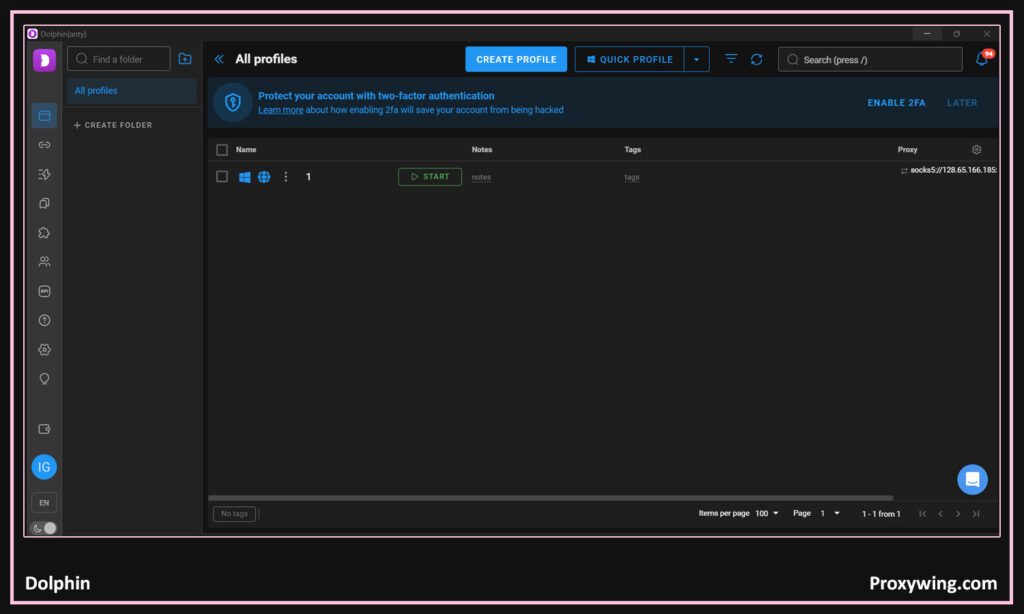
| Dolphin Anty | Chromium base Solid unique fingerprints Affiliate integrations | Great for social workflows | Free plan and paid plans from from $10/month |
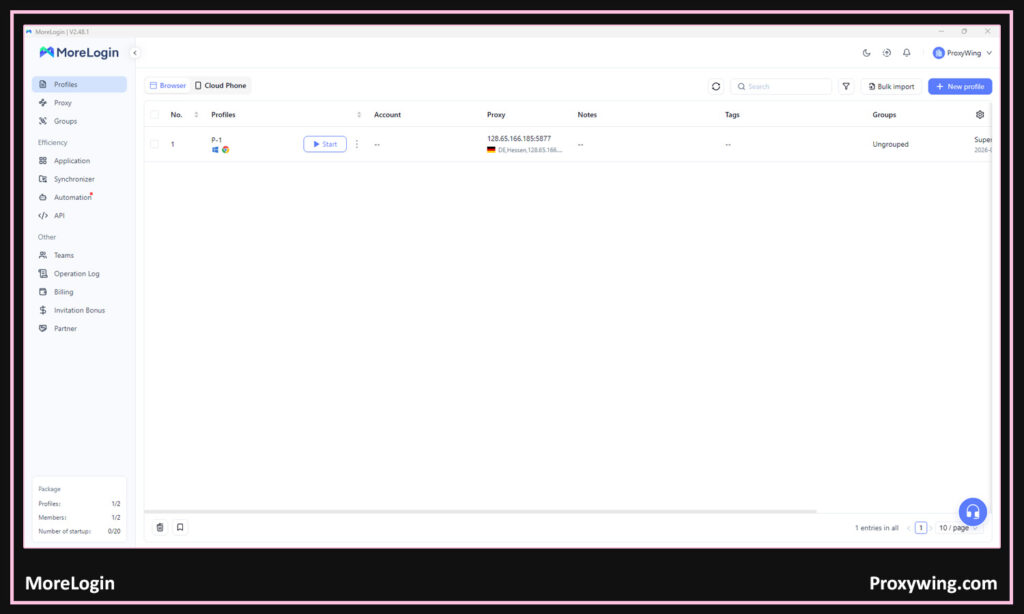
| MoreLogin | High-quality ML-based fingerprints Chromium base Strong automation | Strong balance of performance and fingerprint realism | Free plan and Paid plans from $9/month |
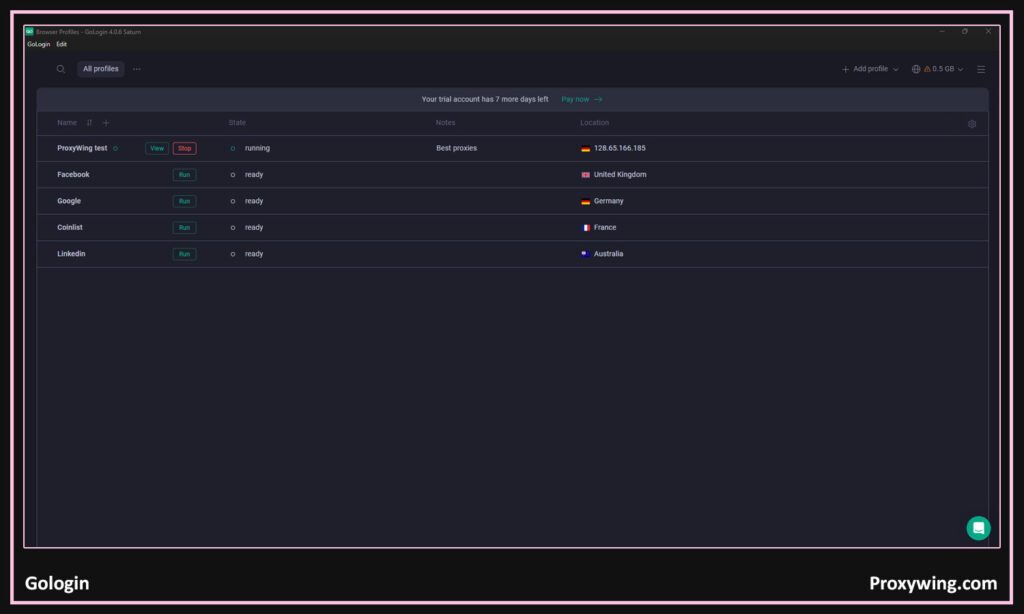
| GoLogin | Kernel-level fingerprint control Cloud profiles Chromium base | Strong fingerprint engine and cloud mode that saves local resources | Free plan and paid plans from $49/month |
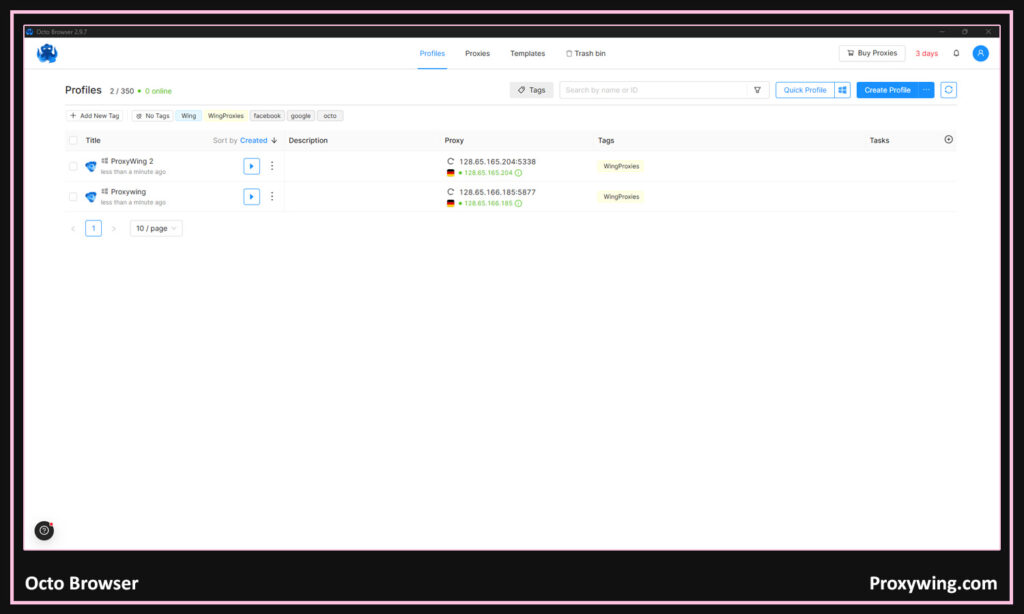
| OctoBrowser | Deep fingerprint control in code High uptime Automation tools APIs support | Excellent stealth and reliability for long-term projects | Paid plans only starting from €29/month |
| BitBrowser | Simple fingerprint control Chromium base RPA marketplace | Easy to use and beginner-friendly | Free plan and paid plans from $10/month |
| Linken Sphere 2 | Hardware-based fingerprints C++ optimization Built-in proxy analyzer | High-security and high-speed browsing | Limited free tier and pain plans from $30–$300/month |
| GeeLark | Cloud-based profiles Mobile fingerprints Low local resource use | Ideal for mobile-focused workflows | Free plan and paid plans from $13/month |
List of the Top Antidetect Browsers for Marketing
In this section, we will explore the differences between these antidetect browsers for marketing in more detail:
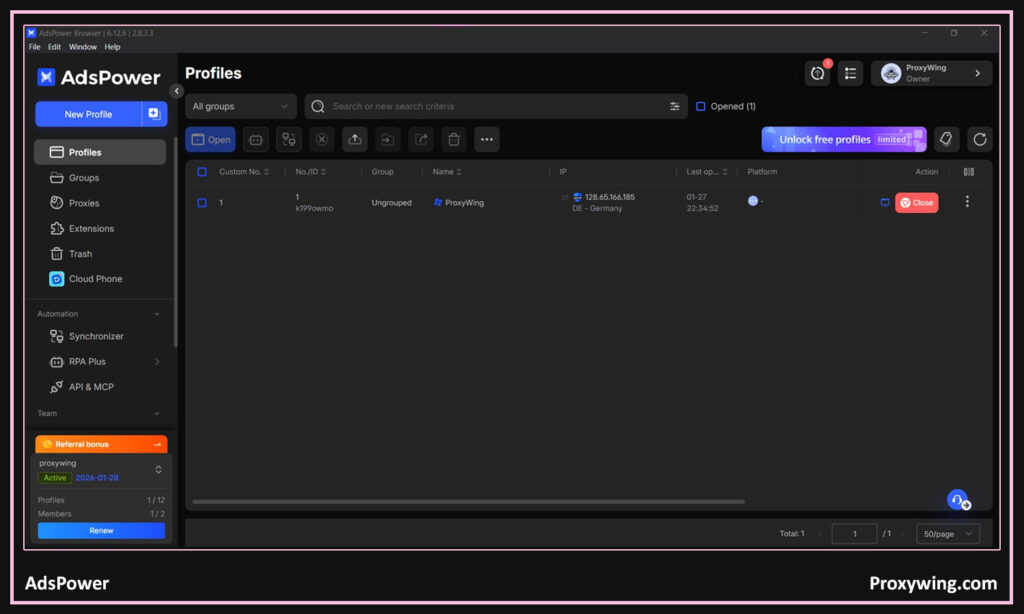
AdsPower

- Fingerprint quality: AdsPower offers advanced fingerprint control with more than 20 customizable parameters.
- Chromium base & update policy: It uses a dual-engine setup that includes a Chromium-based engine and a Firefox-based engine. Both engines are updated regularly.
- Profile management at scale: It allows users to create 10,000+ profiles with their high tier plans.
- Proxy handling: This anti-detect browser offers strong proxy support and works with HTTP, HTTPS, SOCKS5 proxies.
- Automation & integrations: It supports APIs and automation frameworks like Selenium, Puppeteer, and built-in RPA tools.
- Team collaboration: It includes team features such as role-based access, profile sharing, and activity logs.
- Stability & performance: It is known for stable long sessions and reliable performance.
- Security: With AdsPower, each profile runs in a fully isolated environment with encrypted data storage.
Dolphin

- Fingerprint quality: Dolphin provides solid fingerprint masking with manual control over key parameters.
- Chromium base & update policy: It is built on Chromium and receives regular updates.
- Profile management at scale: Users can create and manage 300+ profiles at once.
- Proxy handling: It supports most proxy types. It also allows seamless assignment of proxies to individual profiles.
- Automation & integrations: It works with browser automation frameworks like Selenium, Puppeteer, and Playwright.
- Team collaboration: This anti-detect browser also supports team access, profile sharing, and permission controls.
- Stability & performance: It is optimized to run smoothly even on older hardware.
- Security: With this anti-detect browser, the profiles are fully isolated, and user data is protected to prevent cross-tracking between accounts.
MoreLogin

- Fingerprint quality: It generates unique digital fingerprints for each profile using advanced anti-detection technology.
- Chromium base & update policy: It supports both the chromium and Firefox browser engines. MoreLogin also keeps the browser kernels updated to maintain compatibility.
- Profile management at scale: This anti-detect browser also allows users to create and independently manage over 1000 profiles.
- Proxy handling: It integrates with proxies running on most of the popular network protocols.
- Automation & integrations: It supports automation via APIs and works with automation frameworks like Selenium and Puppeteer.
- Team collaboration: It includes team management features such as file sharing, co-editing, and group chat.
- Stability & performance: It is well optimized to offer the best performance even on moderate hardware
- Security: It uses encryption to secure profile data.
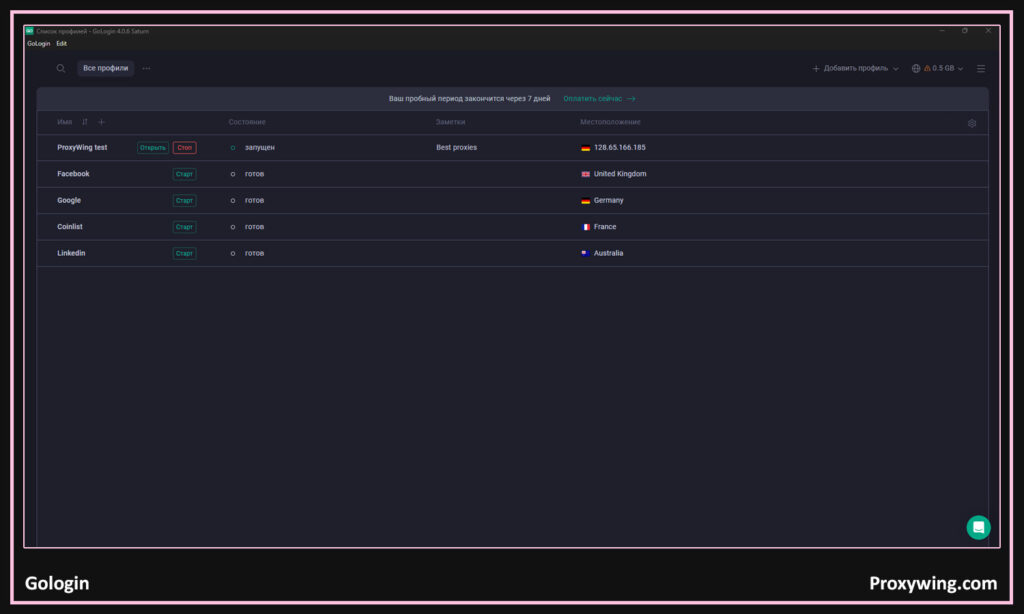
GoLogin

- Fingerprint quality: GoLogin offers realistic device fingerprint spoofing, which makes each profile appear unique.
- Chromium base & update policy: It is built on a Chromium-based engine and keeps it up to date to mimic regular browsers and align fingerprint signatures with common web traffic.
- Profile management at scale: It supports bulk profile creation, allowing marketers to create 10,000+ profiles.
- Proxy handling: GoLogin has proxy integration built in.
- Automation & integrations: It includes automation APIs and supports several browser frameworks.
- Team collaboration: It supports team workspaces and shared profile management.
- Stability & performance: It is known for consistent session stability and reliable fingerprint management across platforms.
- Security: GoLogin also encrypts data and isolates profile sessions to prevent leakage.
OctoBrowser

- Fingerprint quality: It uses detailed fingerprint management and seamlessly adjusts many parameters for your different profiles.
- Chromium base & update policy: It is also built on Chromium and it receives regular kernel updates to stay compatible with modern web standards.
- Profile management at scale: It supports creating, tagging, and sorting of profiles. The anti-detect browser also includes bulk creation, templates, and export/import features. Supports over 100,000 profiles.
- Proxy handling: It supports proxy configuration per profile
- Automation & integrations: Full support for advanced automation frameworks, including Puppeteer, Selenium, and CDP
- Team collaboration: It includes team sharing and tagging systems.
- Stability & performance: It promises high uptime and efficient handling to ensure a seamless browsing experience.
- Security: It uses strong data encryption and optional passwords for your various profiles
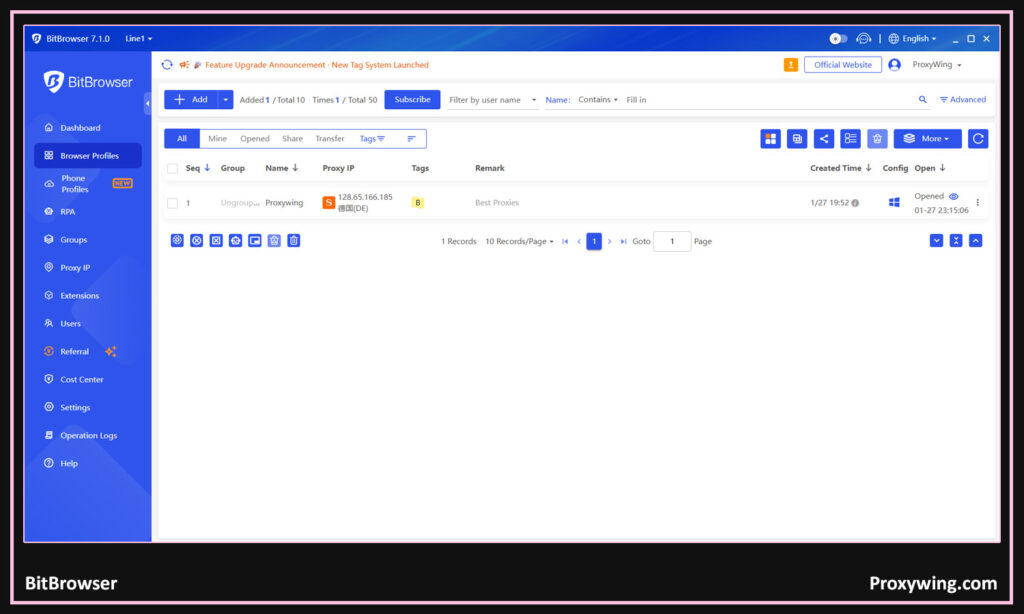
BitBrowser

- Fingerprint quality: It masks digital fingerprints and helps marketers to isolate environments for each account.
- Chromium base & update policy: It is also based on the Chromium engine and maintains updates to stay compatible with web applications and fingerprint conventions.
- Profile management at scale: It lets users create and manage over 300,000+ profiles.
- Proxy handling: This anti-detect browser supports proxy setups, including recommendations for proxy IPs.
- Automation & integrations: It offers automation support, including RPA tools and local API access for connecting external scripts.
- Team collaboration: BitBrowser includes basic team collaboration features like file sharing, profile sharing, and data protection.
- Stability & performance: It is designed to run smoothly with low resource usage
- Security: Its key security features include session isolation and protection against profiling.
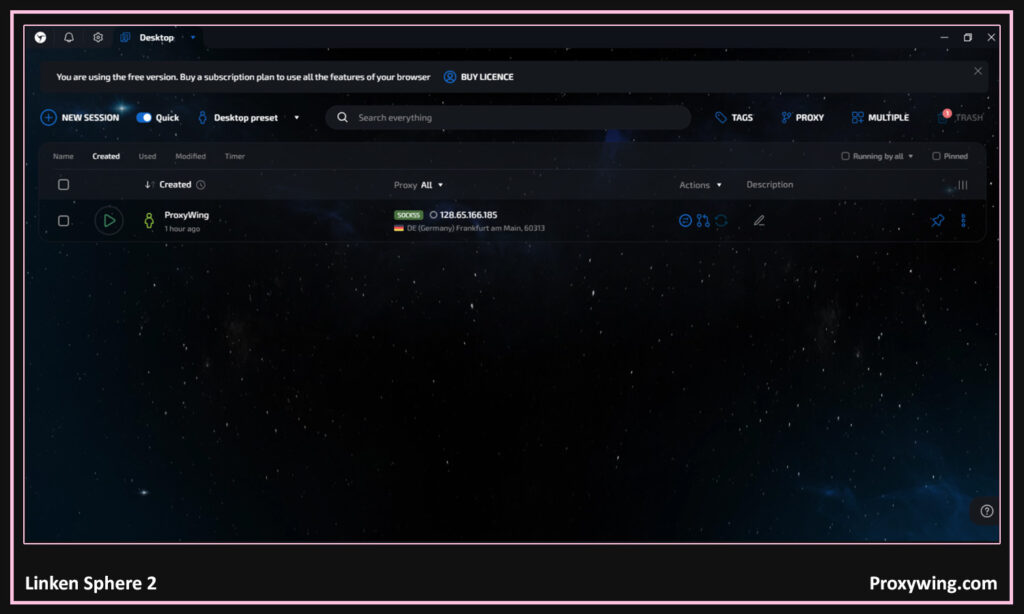
Linken Sphere 2

- Fingerprint quality: Linken Sphere 2 focuses on hardware-based fingerprint consistency.
- Chromium base & update policy: This anti-detect browser maintains compatibility with modern web standards. However, its updates are less frequent than mass-market Chromium browsers.
- Profile management at scale: The highest tiers allow creating 1000+ profiles.
- Proxy handling: The Linken Sphere 2 includes advanced proxy tools and a built-in proxy analyzer.
- Automation & integrations: This anti-detect browser also supports Selenium, Puppeteer, Playwright, and several API-based workflows.
- Team collaboration: The collaboration features in this anti-detect browser are limited compared to other anti-detect browsers and they are also mainly suited for experienced users.
- Stability & performance: Thanks to its C++ optimization, it is one of the fastest anti-detect browsers available.
- Security: It is designed for high-security use cases and minimizes fingerprint leaks.
GeeLark

- Fingerprint quality: GeeLark specializes in mobile and app-level fingerprints, offering masking for over 50 parameters.
- Chromium base & update policy: Unlike traditional browsers, GeeLark runs profiles on remote servers rather than relying fully on local Chromium instances. This reduces local fingerprint exposure.
- Profile management at scale: Its highest end tiers support creation of 10,000+ profiles.
- Proxy handling: It supports multiple proxy protocols and allows easy assignment of proxies for each profile.
- Automation & integrations: This anti-detect browser supports automation through APIs and works with Selenium, Puppeteer, and Playwright.
- Team collaboration: This anti-detect browser includes several team collaboration tools like file sharing and co-editing, shared access, and permission controls for distributed teams.
- Stability & performance: This anti-detect browser’s performance is generally stable since profiles run remotely.
- Security: Running profiles in the cloud reduces local data exposure.
What Is an Antidetect Browser?
Simply put, an antidetect browser is a special browser designed to hide or change your digital identity when you go online. Unlike traditional browsers that use one fixed browser identity, anti-detect browsers are tools designed to allow marketers to create many separate browser environments (through profiles), each with its own fingerprints, cookies, and settings. Creating unique profiles makes it harder for the sites and web apps you access to track your usage data.
Normal profiles on browsers like chrome simply separate bookmarks, but still share many device-level details. Even when using Incognito mode, most of these details apart from cookies are shared. Virtual machines could be an alternative, but they are very resource heavy, making them less ideal, especially for devices with limited hardware resources. VMs are also not easier to scale compared to creating several profiles with antidetect browsers.
Browser Fingerprint Basics (in Plain Terms)
A browser fingerprint refers to a collection of several technical details that websites and web apps use to identify every user accessing their platforms. Some of these details include User-Agent (UA), Canvas & WebGL, timezone & languages, fonts, screen resolution, WebRTC, and Cookies & localStorage. Websites use these details to track their users.
Why “Profiles” Matter for Marketing Workflows
Profiles are one of the core features of antidetect browsers that make them different from traditional browsers — each profile acts like a completely separate device. This allows marketers to create several ad accounts, e-commerce stores, affiliates dashboards, and seller accounts on different platforms using one device without being detected. Without profiles, data like cookies or fingerprints can mix, increasing the chances of detection and getting their accounts blocked.
When Marketers Actually Need Antidetect (and When They Don’t)
Typical Marketing Scenarios
- Social media accounts growth and management, especially when managing multiple accounts.
- Paid advertising across multiple ad accounts.
- Influencer outreach at scale.
- Affiliate marketing setups that involve creating multiple accounts.
- E-commerce operations with multiple stores or having several accounts on a single platform.
- Web scraping and browser automation. Used alongside proxies to hide IP and location.
Marketing Situations Where a Regular Browser Is Enough
- Single account management per platform.
- Managing platforms that allow creation of multiple accounts.
- No multiple logins needs.
- Regular browsing without needing to use any web automation tools.
Antidetect Browser vs VPN vs Proxy (What Each Solves)
What a Proxy Changes (and What It Doesn’t)
Using a proxy changes your IP address, location, and traffic routing. All the online services you access will see your traffic as though it is coming from a different country, city, or network. However, using a proxy doesn’t change your browser fingerprint and does not isolate cookies or localStorage. This makes it easier for websites to match your fingerprints hence blocking your traffic if they detect any unusual requests.
For complete anonymity, we recommend using proxies alongside other tools such as anti-detection browsers. If you’re in the market for reliable datacenter proxy, residentia proxy and ISP proxy options designed for marketing workflows, solutions from ProxyWing are built to work cleanly with antidetects.
What a VPN Changes
A VPN adds a basic privacy layer by encrypting all your traffic and routing it through a remote server. Using VPNs is effective when you simply need to have all your traffic encrypted and routed through a server in a different location to enhance privacy.
However, VPNs sometimes connect several users on one IP and they don’t effectively control fingerprint consistency, which can increase the risk of account flagging when detected.
Why Antidetect + Proxy Is the Common Stack
Most professional marketers use antidetect browsers together with proxies. This combination is effective since the antidetect browser controls the fingerprint while the proxy controls the IP and location. When using proxies, each profile of the antidetect browser can be configured to use a different IP address. Using advanced fingerprinting and assigning an IP per profile makes every connection seem like it’s coming from a different device.
Key Features to Look for in an Antidetect Browser (Marketing Checklist)
Some of key factors to consider when choosing antidetect browser include:
- Fingerprint realism and control: Check how many fingerprinting parameters (such as Canvas, WebGL, UA, fonts, or WebRTC) that the anti-detect browser can control.
- Profile management at scale: Look for features such as bulk profile creation, cloning, tagging, and the maximum profiles you can create with their top tier plans.
- Team collaboration: Consider collaboration features such as Roles, permissions, shared profiles, and more.
- Automation features & API support: Consider support for popular browser automation frameworks such as Selenium, Puppeteer, Playwright, and other useful APIs.
- Built-in proxy manager: Antidetect browsers with built-in proxies make it per-profile proxy assignment much easier.
- Stability and update cadence: The anti-detect browser should be known for rolling out regular Chromium updates.
- Security basics: Consider core security features such as profile isolation, encryption, access control.
- Pricing: Assess your budget and choose an anti-detect browser that meets all your core needs within that budget.
Best Practices for Multi-Account Marketing (Practical Rules)
- Always use one profile per account (never reuse profiles).
- Match IP, timezone, language, and the operating systems.
- Avoid switching proxies too often on active accounts as it can lead to location inconsistencies.
- Always warm up new accounts slowly.
- Use automations carefully and avoid aggressive behavior.
- Always update your browsers to the latest available software version.
FAQs
Do antidetect browsers work on macOS and Linux (or only Windows)?
Most modern antidetect browsers support Windows, macOS, and Linux. Yes, it is common for some features to work best on Windows, but macOS and Linux generally support these browsers.
How many browser profiles should I create per project or brand?
At minimum you need to create one profile per platform per account. Always ensure to Separate profiles for ads, socials, e-commerce, and outreach. This separation reduces the risk if one asset gets flagged.
Why do accounts still get flagged even when using an antidetect browser?
Some of the common reasons for this include:
- Fingerprint and proxy location mismatch.
- Using Poor-quality or shared proxies.
- Aggressive automation behavior.
- Reused profiles or cookies.
Should I match timezone, language, and geolocation to the proxy location?
Yes, you always need to match them. Mismatches such as EU IP + US timezone are a strong detection signal that most websites look for.