


Wing VPN
Use Wing VPN to browse websites, send messages, and connect to work apps over an encrypted connection. Wing VPN uses VLESS with REALITY to connect your device to the VPN server.
- VLESS + REALITY protocol
- Strict no-logs policy
- 500 GB of data per month
- Subscription plans available
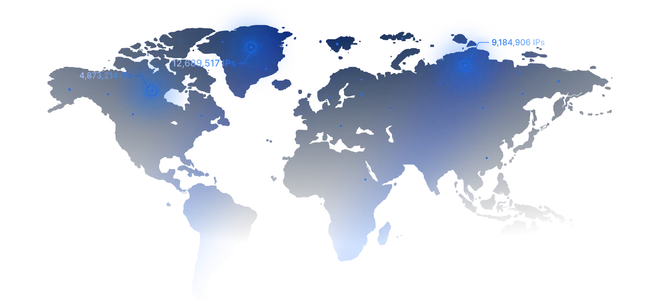
- High-speed European servers
- Split tunneling

VPN Pricing Plans
How Wing VPN protects your traffic
When you connect to Wing VPN, your app creates an encrypted tunnel to the VPN server. Even on shared Wi-Fi, other people on the network cannot read the contents of traffic sent through that tunnel.
Get started in 3 simple steps
1. Choose a plan
Choose a monthly, quarterly, semi-annual, or annual subscription.
2. Receive your access details
Right after payment, you’ll get a subscription link and ready-to-use configs.
3. Connect using your app
Import the link into a compatible app and start using Wing VPN on all OS
What you get with Wing VPN
Perfect for Different Tasks
File transfers
Connect to Wing VPN before uploading files to cloud storage to encrypt the transfer between your device and the VPN server.
Remote Remote workwork
Securely access work tools on public Wi-Fi (cafés, airports, hotels, coworking spaces).
Everyday internet use
Read the news, listen to music, or watch videos over an encrypted connection.
Great companion for Telegram users
Already using an MTProto proxy? Wing VPN covers everything else — no conflicts.
Awards
Awards, which we received from our customers






FAQ
Wing VPN is a service that uses VLESS with REALITY to establish an encrypted connection between your device and a VPN server.
The VPN encrypts traffic from your device to the VPN server. When you visit an HTTPS website, HTTPS also encrypts the connection between your browser and the site.
No. We don’t store browsing history, connection timestamps, or traffic data.
iOS, Android, Windows, and macOS via compatible apps.
No. You can keep MTProto proxies for Telegram, and use Wing VPN for websites, messengers, streaming services, and work platforms.