Datacenter
Add a server IP as a SOCKS5 proxy in Telegram's settings and chats sync quickly. The cheapest way to keep the client online where direct access is unreliable.
from
Buy now$0.87/ month
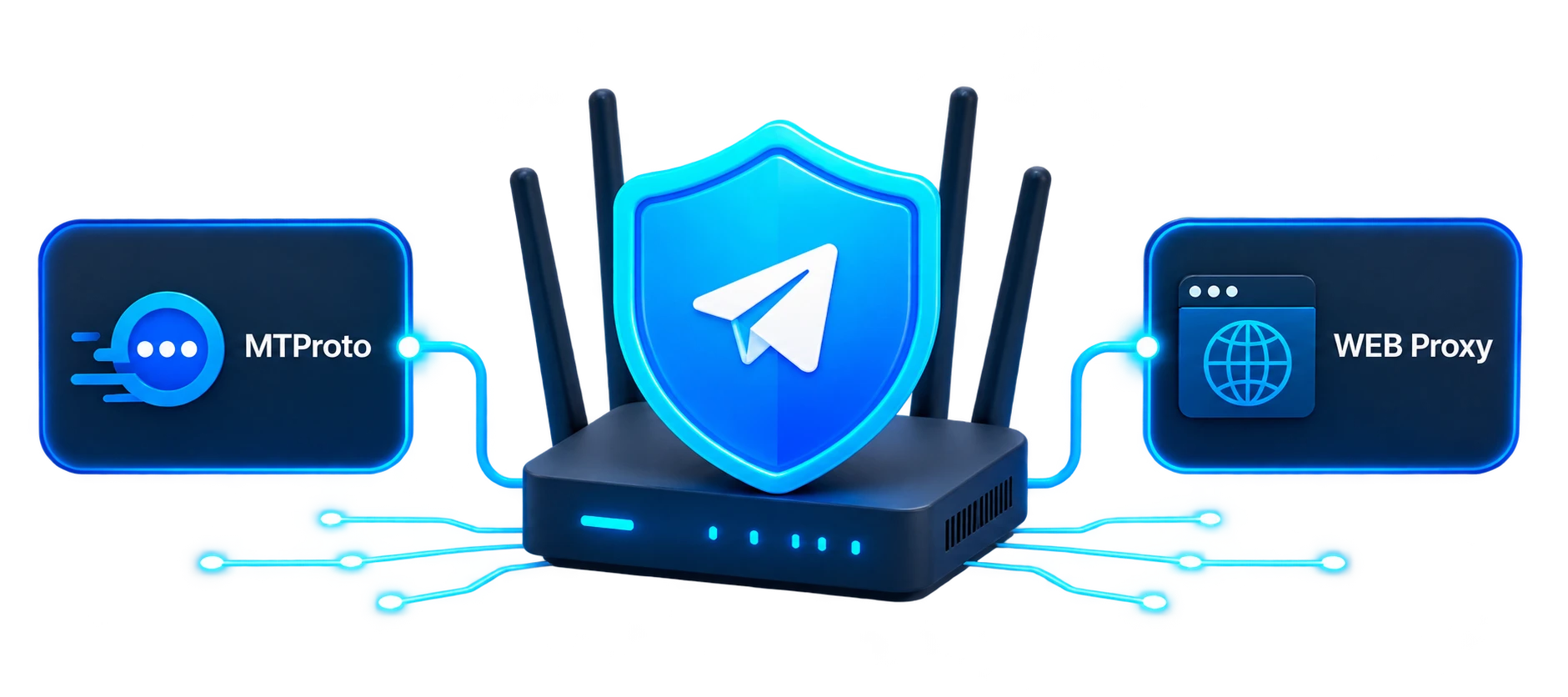
Choose the right proxy type for stable access to Telegram: the classic MTProto Proxy or the new WEB Proxy. These are two different connection options, so if one is unavailable or unstable on your network, you can try the other. ProxyWing offers ready-to-use MTProto and WEB proxies for Telegram with easy setup and fast connection.
For the messenger itself, a stable route matters more than IP trust. Every type connects over SOCKS5, so pick by network and device.
Add a server IP as a SOCKS5 proxy in Telegram's settings and chats sync quickly. The cheapest way to keep the client online where direct access is unreliable.
$0.87/ month
A home IP in a country where Telegram works freely, on a sticky session while you chat. Worth a try when a datacenter address will not connect on your network.
$1.00/ GB
Most people open the messenger from a phone on 4G/5G, and these IPs mirror that. Day-based pricing makes them a fit for short needs such as a trip or a temporary network.
$4.00/ day
One static address for a client that stays online all day. Media, large files, and busy channels load over a steady route, and the Devices list shows one location.
$1.71/ month
Access Telegram without interruptions even when the app is blocked by ISPs
Stay connected with clients and teams despite unstable or filtered networks
Maintain constant communication in Telegram channels without downtime
Use Telegram freely in any country without relying on VPNs
Real feedback from customers using our proxies for MTProto.
Gkawasa
April 1, 2026
Best proxies for telegram, 0 errors
Benedict
January 8, 2026
Recently, I couldn't get the proxy settings right in Telegram, I contacted proxywing support, and they helped me a lot. Everything worked without any hassle. Really appreciate the help
Grace max
October 2, 2024
I need proxies for telegram, account registration through software. Residential proxies with IP change are simply the best! Thank you!
| Gigabytes | Discount | Price per GB | Total Amount | Buy |
|---|---|---|---|---|
| 1 | - | $2.50 | $2.50 | Buy |
| 2 | 10% | $2.25 | Buy | |
| 10 | 15% | $2.13 | Buy | |
| 50 | 20% | $2.00 | Buy | |
| 100 | 25% | $1.88 | Buy | |
| 250 | 30% | $1.75 | Buy | |
| 500 | 35% | $1.63 | Buy | |
| 1000 | 40% | $1.50 | Buy | |
| 3000 | 45% | $1.38 | Buy | |
| 5000 | 50% | $1.25 | Buy | |
| 7500 | 55% | $1.13 | Buy | |
| 10000+ | 60% | $1.00 | Buy |
| Gigabytes | Discount | Price per GB | Total Amount | Buy |
|---|---|---|---|---|
| 1 | - | $6.00 | $6.00 | Buy |
| 2 | 5% | $5.70 | Buy | |
| 10 | 10% | $5.40 | Buy | |
| 50 | 15% | $5.10 | Buy | |
| 100 | 20% | $4.80 | Buy | |
| 250 | 30% | $4.20 | Buy | |
| 500 | 40% | $3.60 | Buy | |
| 1000 | 45% | $3.30 | Buy | |
| 3000 | 55% | $2.70 | Buy | |
| 5000 | 60% | $2.40 | Buy | |
| 7500 | 65% | $2.10 | Buy | |
| 10000+ | 70% | $1.80 | Buy |
Awards, which we received from our customers








Discover the wide-ranging applications of Proxywing's proxies across different industries and online activities. Maximize your business potential with our versatile and dependable proxy solutions, customized to meet your specific requirements.
We offer fast, secure and anonymous IP addresses around the world that provide access to the resources you need.
Different technologies can be used to connect Telegram through a proxy. ProxyWing offers two options: MTProto proxies for Telegram and WEB proxies for Telegram.
MTProto Proxy and WEB Proxy do not replace each other. They use different connection methods and may behave differently on the same network. The availability of each option depends on your internet service provider, region, operating system, and Telegram app version. If one proxy type cannot connect or works inconsistently, you can try the other.
Different technologies can be used to connect Telegram through a proxy. ProxyWing offers two options: MTProto proxies for Telegram and WEB proxies for Telegram.
MTProto Proxy and WEB Proxy do not replace each other. They use different connection methods and may behave differently on the same network. The availability of each option depends on your internet service provider, region, operating system, and Telegram app version. If one proxy type cannot connect or works inconsistently, you can try the other.
An MTProto proxy for Telegram is a special proxy type designed to connect to Telegram’s infrastructure. A server address, port, and secret key are used for setup.
MTProxy routes Telegram traffic through an intermediary proxy server and uses traffic obfuscation mechanisms. This connection method is supported by Telegram’s mobile and desktop applications.
MTProto is suitable for users who need a proxy directly inside Telegram without routing traffic from other applications through it.
Learn more about MTProto technology in our article.
A WEB Proxy for Telegram is a new proxy connection type that routes Telegram traffic through a web transport based on HTTPS or WebSocket.
WEB Proxy support first appeared in Telegram Desktop and later began rolling out to Telegram’s mobile clients. The availability of this proxy type therefore depends on the app version and operating system you use.
WEB Proxy uses a different method of transporting traffic than a standard MTProto proxy connection. This makes it an additional way to access Telegram on networks where MTProto is unavailable or unstable.
A hostname and key provided after purchase are used to connect to a WEB Proxy.
MTProto Proxy and WEB Proxy serve a similar purpose: they allow Telegram to connect through an intermediary proxy server. However, they use different connection methods.
| MTProto Proxy | WEB Proxy | |
| Supported devices | Telegram mobile and desktop clients | Telegram Desktop and supported versions of mobile clients |
| Connection details | Server, port, secret | Hostname, key |
| Connection type | Specialized Telegram proxy connection | Traffic transport over HTTPS or WebSocket |
| When to use it | For Telegram on mobile devices or computers | As an additional option on devices and Telegram versions that support WEB Proxy |
If your internet service provider or network restricts one connection method, it is worth testing the other. The result depends on the specific network and the filtering method being used.
Using a specialized proxy allows you to route the Telegram connection through it without changing how other applications on your device connect to the internet.
Key benefits include:
The performance of any proxy depends not only on the server itself but also on the user’s network. Internet service providers and filtering systems may restrict individual IP addresses or connection methods.
Public free proxies are often used by many people, while their owners and data-handling policies may be unknown. For regular use, it is therefore worth choosing a proxy service you trust.
Telegram continues to use its own traffic protection mechanisms when connecting through a proxy. The proxy acts as an intermediary between the user’s device and Telegram’s infrastructure, but routing traffic through it does not by itself give the proxy access to the contents of private conversations.
However, a proxy server may see technical connection information, such as the user’s IP address and the fact that a connection was made. It is therefore important to use a reputable provider and avoid unknown public proxies from unverified sources.
Setting up MTProto takes only a few steps:
In Telegram Desktop, the connection settings are located under Advanced Settings → Connection Type.
On mobile devices, the menu location may vary depending on the operating system and Telegram version.
WEB Proxy is a separate connection type and is configured differently:
The location of the settings and the availability of WEB Proxy depend on your operating system and Telegram version.
Do not enter MTProto details in the WEB Proxy form or vice versa. MTProto uses a server, port, and secret, while WEB Proxy uses a hostname and key.
The choice primarily depends on your device, Telegram version, and network.
Choose an MTProto proxy if you want to connect Telegram on a smartphone or computer through Telegram’s familiar specialized proxy option.
WEB Proxy provides an additional connection method using web transport. It is available in Telegram Desktop, and support is gradually appearing in mobile clients. Before setup, check whether WEB Proxy is available in your app version.
If MTProto works well on your network, there is no need to switch to WEB Proxy simply because a new connection option is available.
If MTProto does not connect or works inconsistently, you can try WEB Proxy. Conversely, if WEB Proxy is unavailable in your app version or on your network, you can try connecting through MTProto.
At ProxyWing, you can buy MTProto proxies and WEB proxies for Telegram. Both are available as separate connection options, allowing you to choose the technology that suits your device, app version, and network.
After purchase, the connection details are available in your dashboard:
This allows you to quickly add the proxy directly to Telegram’s settings and use another connection type when necessary.
Free MTProto proxies and other public Telegram proxies are often published in open lists and used by many people at the same time. Their availability, load, ownership, and data-handling policies can be difficult to verify.
Paid proxies for Telegram provide controlled connection details and access to the provider’s support team if you have questions.
ProxyWing offers two ways to connect to Telegram:
If one connection method does not work well on your network, you can try the other and choose the option that performs better in your specific environment.
MTProto is built specifically for Telegram, which makes it a more optimized option. SOCKS is more versatile, but it is not tailored to Telegram in the same way.
Yes, but they are often slow, unstable, and quickly blocked. For consistent performance, paid solutions are recommended.
MTProto already bypasses restrictions. A VPN may be useful for accessing other blocked services.
Instantly. Once configured, the connection is established within seconds.
Yes, as long as you use a trusted provider with secure infrastructure.