Best Antidetect Browsers in 2026: 8 Picks by ProxyWing
In 2026, privacy has become one of the core factors that many people consider when choosing digital products, including browsers. With the increasing rate of tracking by websites and web apps, using an antidetect browser has become a reliable way to enhance your privacy when browsing the web.
If you’re not sure which antidetect browser to use, this guide will make it easy for you to make that choice. We will discuss the 8 best antidetect browsers, including their core features and other factors you should consider, to help you choose the right antidetect browser for your needs. We will kick things off with a brief summary of the 8 browsers covered in this guide.
Comparison Table: Best Antidetect Browsers
| Anti‑Detect Browser | Key Features | Why It Stands Out | Limitation |
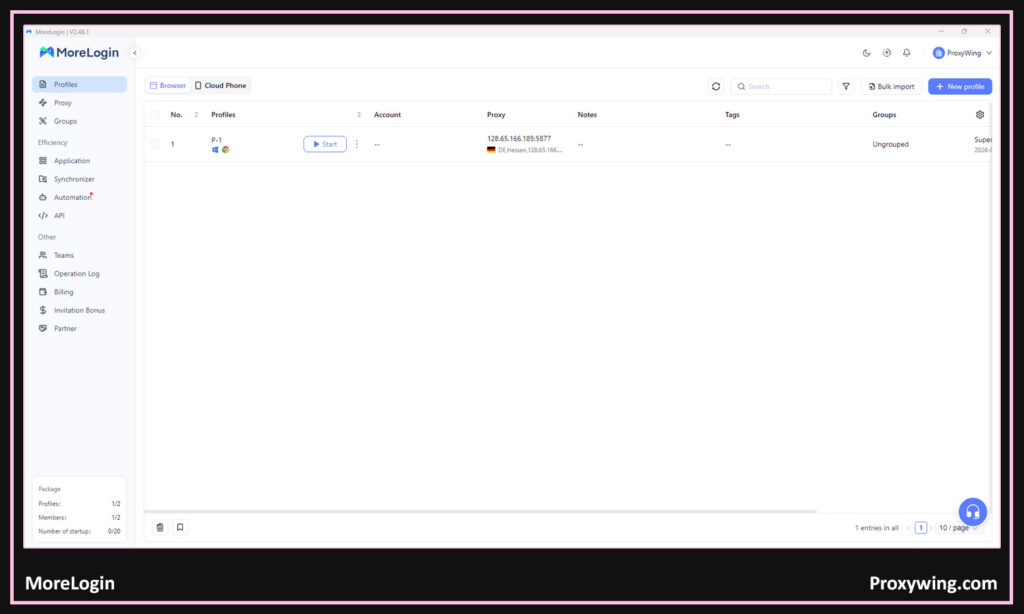
| MoreLogin | Combines web and mobile profiles Virtual Android devices Seamless cloud sync | Supports both web and app environments in one tool | Newer platform, so some features are still evolving |
| AdsPower | Built-in RPA automation No-code task automation Supports iOS fingerprints | Strong automation and behavioral task replay | UI can be complicated and overwhelming, especially for beginners. Mainly ideal for advanced users |
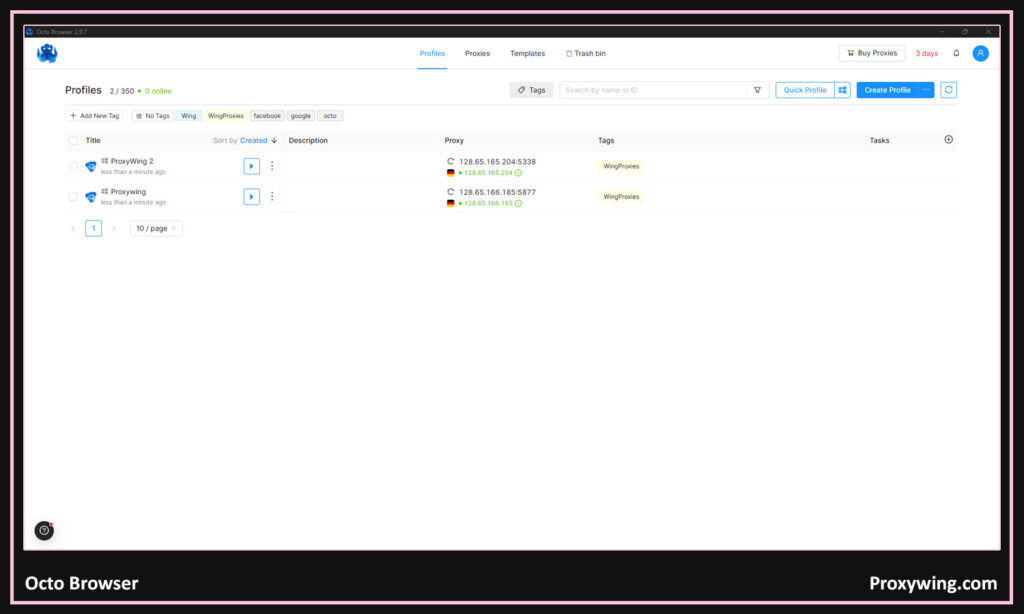
| OctoBrowser | Built-in proxy shop Fast kernel updates Team permission controls | Excellent teams and workflow tools and highly stable fingerprints | It has no free plan |
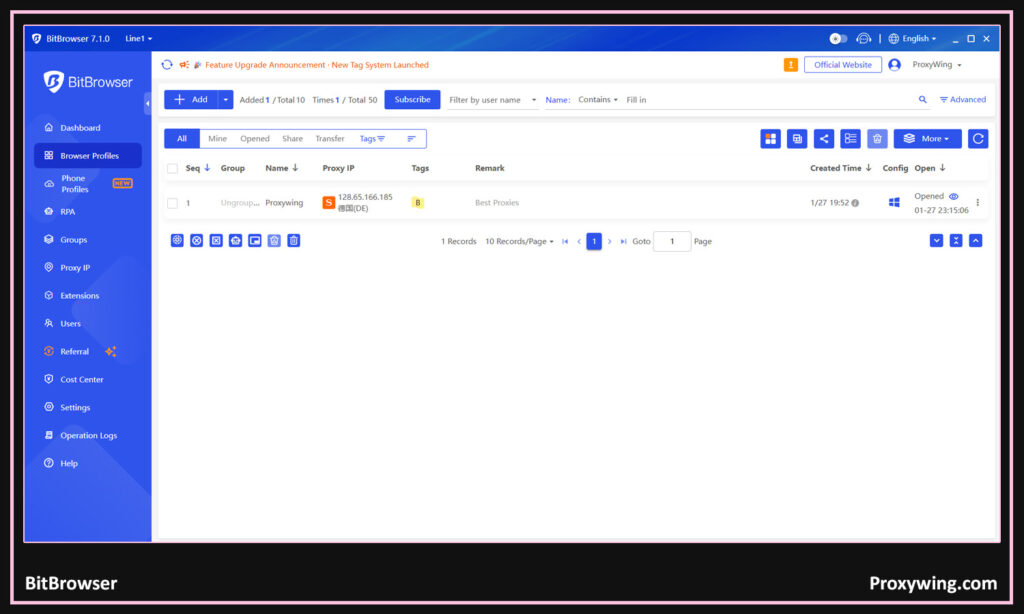
| BitBrowser | Deeply customizable fingerprint engine Cloud profile sync | Realistic fingerprints with proxy management | Less advanced automation features |
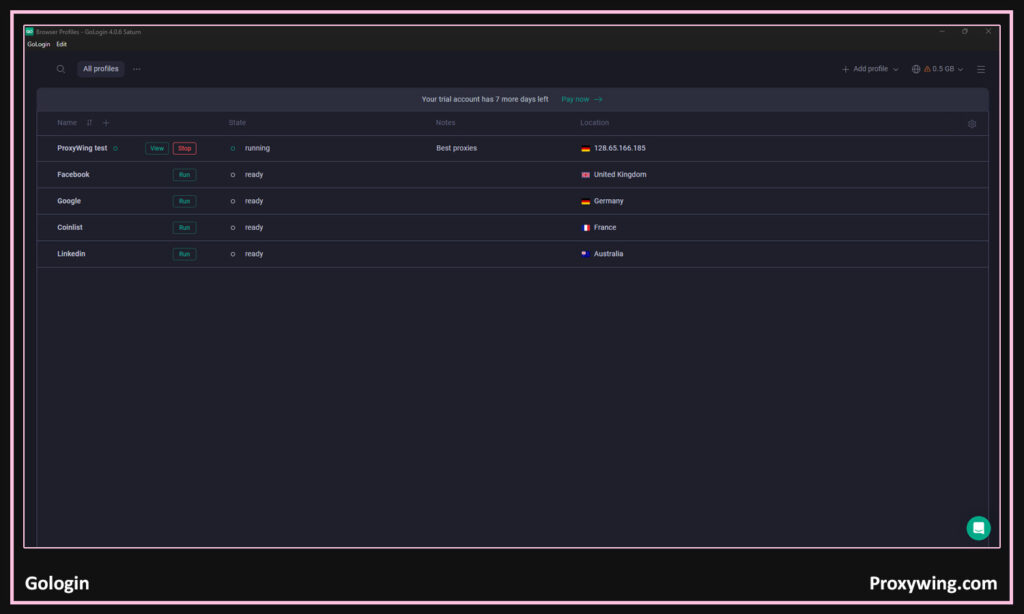
| GoLogin | Easy bulk settings management Custom proxies Cloud profiles | Simple multi-accounting and proxy marketplace integration | Fingerprint accuracy not top tier |
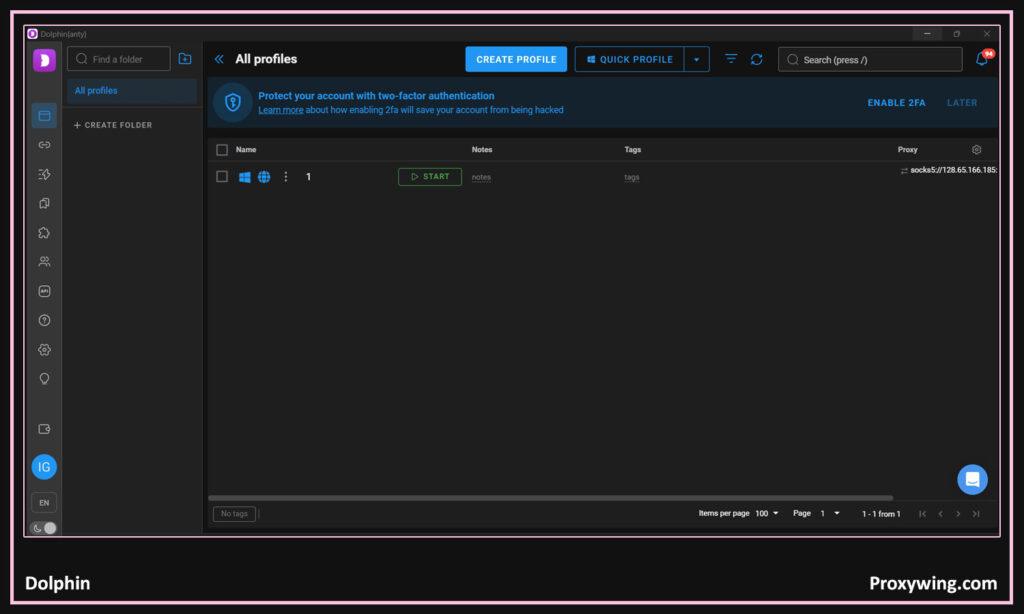
| Dolphin | Unlimited profiles Integrated proxy manager Cookie automation | Strong profile and proxy workflow with bulk actions | Free tier is very limited compared to the competition |
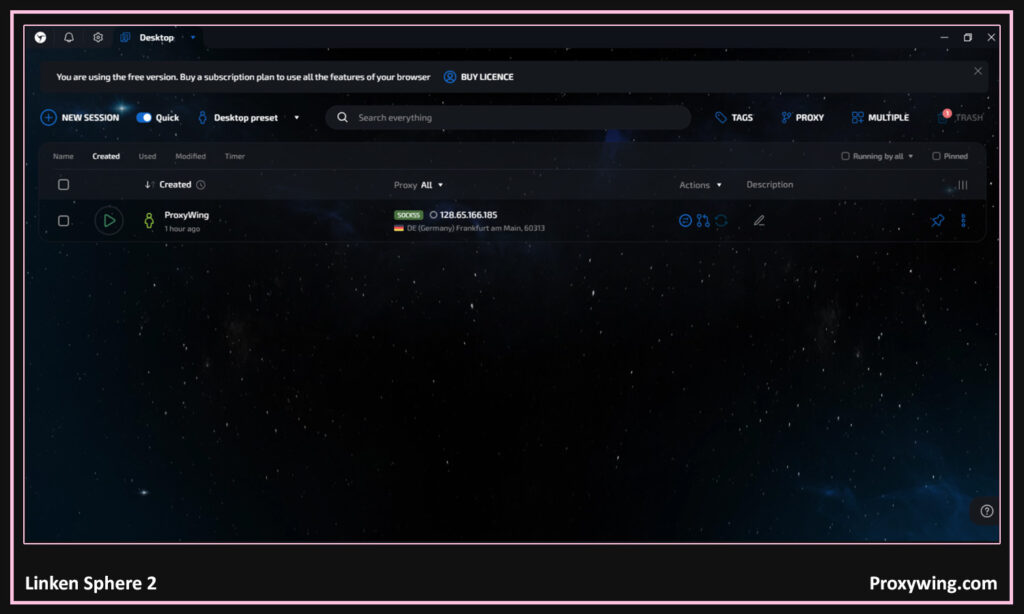
| Linken Sphere 2 | Extremely granular fingerprint customization Robust session isolation | Deep control over fingerprints and advanced privacy | Complex UI and steep learning curve |
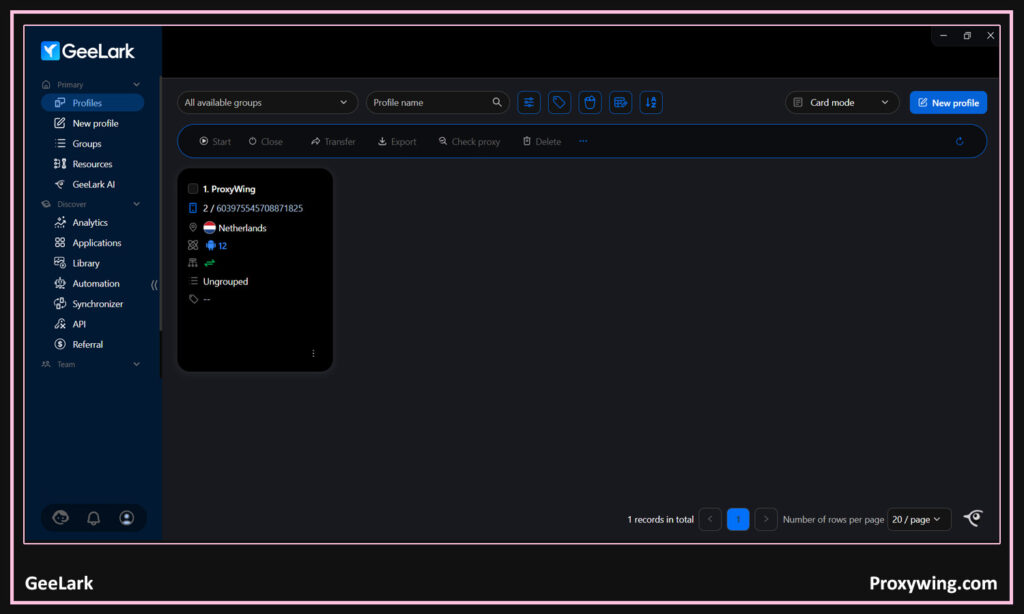
| GeeLark | Real Android cloud devices with hardware IDs (IMEI, MAC) App installation | True mobile environment and not just simulated browser fingerprints | No iOS support |
List of the Top Antidetect Browsers in 2026
In this section, we will cover the top 8 options and assess them based on six key factors: performance, fingerprint quality, stability, integration capabilities, and pricing.
MoreLogin

- Performance: MoreLogin is rated by many users as a fast and reliable anti‑detect browser. It is designed to be fast, but light weight, which ensures low resource usage and reliable performance devices with older hardware.
- Fingerprint quality: It offers advanced and high-quality, realistic fingerprints. MoreLogin uses machine learning to generate fingerprints based on billions of real user configurations. It is also known for using “Real Canvas Fingerprinting” technology, which helps profiles pass advanced fraud detection algorithms.
- Stability: Overall, MoreLogin is a very stable anti‑detect browser for daily multi-account use. However, there have been a few users online that have noticed a few quirks like random logouts on some accounts and repeated verifications when scaling to hundreds of profiles. These complaints however have been more isolated cases and not the experience everyone gets when using MoreLogin.
- Integration capabilities: It works well with proxies and several APIs, making it ideal for power users that may need to integrate several third-party tools.
- Automation support: Supports API and automation frameworks. It supports full integration with Selenium and Puppeteer for browser automation and ADB for cloud phone automation.
- Pricing: It has a free plan that includes 2 browser profiles and 2 users forever. It also offers a paid version that starts at $9.00/month.
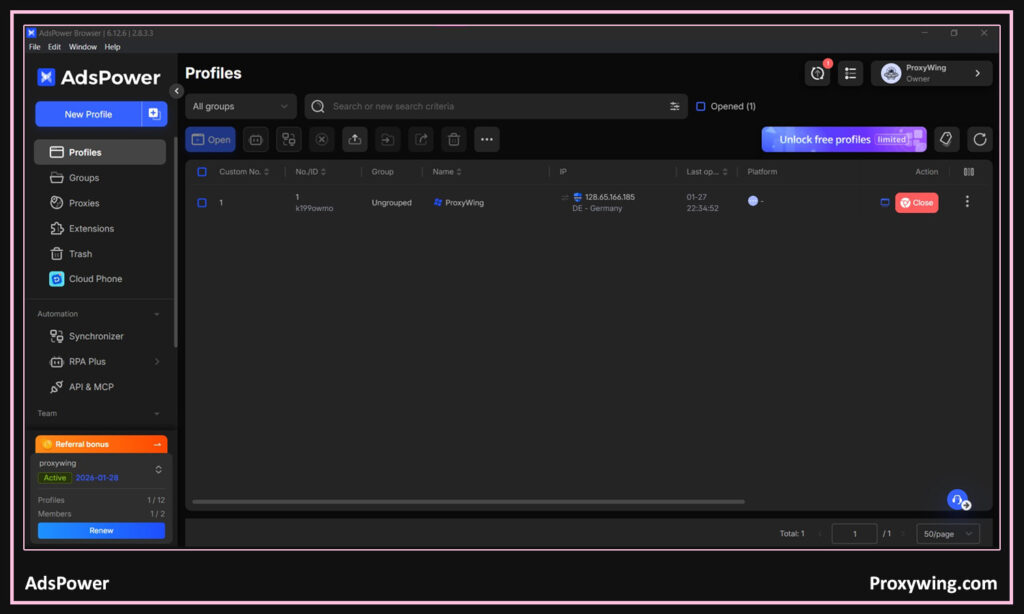
AdsPower

- Performance: Offers strong performance for large-scale operations. It uses a dual-engine Architecture that includes SunBrowser (Chromium-based) and FlowerBrowser (Firefox-based).
- Fingerprint quality: AdsPower uses advanced fingerprinting customization. It allows users to modify over 20 fingerprint parameters, including User-Agent, Canvas, WebGL, AudioContext, time zones, and hardware signals.
- Stability: When it comes to stability, this anti‑detect browser is known for its reliability, especially when handling long sessions and bulk accounts. It also provides isolated environments with separate cookies, local storage, and settings. This approach prevents cross-tracking, profiling and account linkage.
- Integration capabilities: Deep integrations with proxy and several RESTful APIs. This browser also integrates with RPA, which allows users to record and replay browser actions (scrolling, clicking, posting) without writing code.
- Automations support: Excellent automation and API support. It also integrates with several third-party automation tools such as Selenium and Puppeteer.
- Pricing: It offers a permanently free plan that includes up to 2 profiles and 1 member. Its pro plan starts at $9/month that allows up to 10 profiles. It also has an enterprise plan that starts at around $61/month for 200 profiles and up to $197/month for 1,000 profiles.
OctoBrowser

- Performance: It is a chromium anti‑detect browser, so it offers all the performance benefits you would expect from browsers that use this engine. However, it is known for high RAM consumption, so users with older hardware may experience slowdowns, as this anti‑detect browser is optimized for modern multi-core systems.
- Fingerprint quality: It offers consistent and well-maintained fingerprints. Unlike most of the anti‑detect browsers on this list, OctoBrowser manages over 50 fingerprint parameters directly within the browser code for maximum stealth.
- Stability: Very stable with low crash rates. It promises 99.995% uptime and has no significant history of data leaks.
- Integration capabilities: While this anti‑detect browser offers easy proxy and team collaboration setup, its ecosystem for third-party service discounts or built-in residential proxies is considered more limited than competitors like AdsPower
- Automation support: It supports Selenium, Puppeteer, Playwright, and CDP that enable several browser automation tasks.
- Pricing: When it comes to pricing, it only offers paid plans. Its paid plans, including €29/month for 10 profiles, around €79/month for 100 profiles, and around €169/month for 350 profiles.
BitBrowser

- Performance: It offers good performance for everyday tasks. This anti‑detect browser is relatively lightweight in terms of CPU and RAM usage. However, its page loading speed is still a few steps behind most of the premium anti‑detect browsers on this list.
- Fingerprint quality: Offers decent fingerprint control, not overly complex. Its “Real Fingerprint” library is pretty reliable for most websites, but could be flagged when accessing ultra-high-security sites such as top-tier banks.
- Stability: Overall, it is stable and promises high uptime despite the occasional bugs and UI inconsistencies that some users have reported.
- Integration capabilities: It offers basic integrations with tools like proxies and several APIs. Since it’s a Chromium anti‑detect browser, it also supports most of the Chrome extensions.
- Automation support: In addition to providing support for Selenium and Puppeteer, this browser also features a dedicated RPA marketplace that gives you access to tools for automating tasks.
- Pricing: It has a free plan that allows up to 10 browser profiles. The paid plan costs $10/month and supports up to 50 profiles.
Gologin

- Performance: It offers solid performance across all the major platforms it supports, but not can be moderately resource-intensive. However, it offers a “Cloud” run mode where the profile runs on GoLogin’s servers for some tasks, saving your local RAM and CPU.
- Fingerprint quality: It offers one of the strongest fingerprint engines and manages fingerprints at the kernel level within Orbita, spoofing over 50 parameters.
- Stability: It has been proven to be reliable over the years. It also rolls out regular updates that address most of the issues users face.
- Integration capabilities: It offers wide proxy and tool support. In addition to third-party integrations, it offers free built-in proxies from various countries
- Automation support: It integrates with several browser automation frameworks like Selenium, Puppeteer, and Playwright.
- Pricing: It has a free plan that includes 3 profiles and 1 member permanently. Their paid plans range between $49/month and 199/month, featuring profiles ranging from 100 to 1,000.
Dolphin

- Performance: It is optimized for speed and efficiency, enabling good performance even on devices with old hardware, including mobile devices.
- Fingerprint quality: It is also positively rated for fingerprint masking and allows users to manually modify over 20 parameters, including WebGL, User-Agent, and hardware signals.
- Stability: It is known to be stable even with heavy usage. However, there have been a few users that have reported occasional synchronization errors when closing browser windows
- Integration capabilities: It offers good integrations with proxies and scripts. The anti‑detect browser is also tightly integrated with popular affiliate networks and trackers
- Automation support: Dolphin integrates with popular browser automation frameworks, including Selenium, Puppeteer, and Playwright.
- Pricing: It has a free plan that offers 5 profiles permanently for free. Their paid plans start at $10/month for 20 profiles with several higher tier options for users who need more profiles.
Linken Sphere 2

- Performance: The Linken Sphere 2 browser is recognized as one of the fastest anti-detect browsers thanks to its C++ optimization.
- Fingerprint quality: It is designed to dynamically adjusts your digital fingerprint based on your real hardware rather than just injecting random noise
- Stability: Despite a few occasional glitches that some users have reported, the anti‑detect browser is relatively stable on all the platforms it supports.
- Integration capabilities: Linken Sphere 2 supports advanced proxy setups. It also includes a powerful built-in proxy analyzer that checks geolocation and validity in real-time.
- Automation support: Like most of the anti‑detect browsers on this list, it also supports several browser automation frameworks, including Selenium, Puppeteer, Playwright, and Postman.
- Pricing: It is generally expensive and aimed at high-end users. Their free tier offers a few sessions. The browser’s premium tiers range between $30 to $300/month for users who need multiple multilogin sessions beyond what the free tier offers.
GeeLark

- Performance: With this browser, the profiles run on remote servers, which significantly reduces local hardware strain compared to traditional emulators.
- Fingerprint quality: Strong mobile and app-level fingerprints. It offers fingerprint masking with spoofer for 55+ parameters,
- Stability: It is stable for both web and mobile profiles. A few users have experienced occasional lag, especially when streaming—but this is not a general issue.
- Integration capabilities: It supports several team collaboration tools and proxies that run on various protocols, including datacenter, residential, and mobile proxy solutions.
- Automation support: Supports automation APIs and frameworks like Puppeteer, Selenium, and Playwright that enable several browser automation tasks.
- Pricing: Free plan offers 2 profiles and sessions of up to 60 minutes. The premium plans start at $19/month for users who need more than what is offered with the free versions.
What Is an Antidetect Browser?
Simply put, an anti-detect browser is a type of browser that is designed to make it harder for websites and web apps to track your browsing behavior. These browsers are tools designed to hide or change your digital fingerprint, which makes you appear like a different user when you switch to another profile.
What is it used for?
- Account management: Businesses and individuals use them for managing and creating multiple accounts, especially for platforms with strict account creation rules. Using anti‑detect browsers lowers the chances of being detected. Creating unique profiles is what makes this possible.
- Running ads: They make it easy for digital markets to run ads on e-commerce stores and social media accounts using different accounts on the same device. So, you don’t need different devices for each account.
- Website testing: Developers can use them to test websites and web apps under different user environments.
- Web scraping: Thanks to the proxies integration, these tools let users send multiple scraping requests to the same website using different profiles, which minimizes the chances of IP bans.
- Automation: Their seamless integration with several automation frameworks make these ideal for running automation tasks like warming up accounts and automate web data scraping.
How Does It Work?
When it comes to normal internet access, anti-detect browsers work just like any other browser. Their major advantage is that they allow users to create separate browser profiles, each with its own fingerprint. The fingerprint for each profile includes unique details for things like browser version, operating system, screen size, fonts, and location. Having unique fingerprints makes it harder for websites to detect or even track your traffic once you switch profiles.
For the best performance and user experience, they are often paired with proxies so both the fingerprint and IP address match the same location and device type. Using high-quality proxies is recommended. ProxyWing offers high quality residential, ISP, and datacenter proxies that help ensure consistency and lower detecting rates.
Why Should You Use It?
Some of the reasons you should consider using antidetects include:
- Multi-account management: If you need to run more than one account safely on social media and eCommerce platforms. Most antidetects are designed for more advanced multi-account management.
- More online privacy: They mask your real user information, making your browsing activities more anonymous.
- Managing Ads: They are valuable for digital marketers that work with ads, automation, or account management
- Testing apps and websites: You can use different profiles offered by antidetect browsers for testing web apps websites under different conditions.
How to Choose a Suitable Antidetect Browser for You
Now that we have covered the top 8 antidetect browsers, here are some key factors that you should consider when making your choice:
- Your target platforms: Some work better for social media, others for ads or e-commerce. So, assess each of the anti‑detect browser’s share and choose one that suits the task at hand.
- Team size: Most of the anti‑detect browsers on our list include several advanced features for collaboration that you can make good use of. Your choice will largely depend on the size of your team.
- Automation needs: Assess your automation needs and then look at the API and automation tool support that each offers. Ensure to choose one that meets those needs.
- Proxy workflow: Choose one that integrates well with your proxy setup
- Budget scaling: The anti‑detect browsers we covered offer free and premium plans. The charges for premium plans are different, so consider choosing one that suits your budget as long as it offers all the features you need.
Antidetect vs Headless Browsers
- Antidetect browsers: They are full browsers with real user interfaces and realistic fingerprints. They are generally easier to use and safer for long-term account management. However, they can get really expensive depending on the features you need.
- Headless browsers: These on the other hand don’t have a visible interface and are mainly used for automation and scraping. They are usually faster, but easier for websites to detect.
Wrapping Up
Antidetect browsers have become essential tools in 2026 for both individuals and businesses. They are mainly suited for users managing multiple online accounts on platforms like social media and e-commerce. They can also be great tools for users who value their privacy and want to browse the web without being accurately tracked.
When used with proxies, antidetect browsers can significantly reduce detection and fingerprint spoofing, since almost all of your real browsing data is masked before your connection is sent to the website you intend to access. We have shared all the best options to help you choose the right tools depending on the task at hand.
Antidetect Browser FAQs
Antidetect browser vs. VPN vs. proxy: what’s the difference?
- Antidetect browser: Changes or isolates your browser fingerprint to prevent account linking.
- VPN: It encrypts your traffic and changes your IP, but does not hide your browser fingerprint.
- Proxy: Routes your traffic through a different IP and location. A proxy is often used with antidetect browsers, further making it hard to track your browsing activity.
Do I need proxies to use an antidetect browser?
You don’t necessarily need a proxy before you can use antidetect browsers. However, using proxies along with antidetect browsers allows you to mask both your identity fingerprint and IP address. This combination makes it easy to bypass potential detection and bans.
Can I use an antidetect browser for e-commerce accounts (Amazon, eBay, Shopify)?
Yes, they are commonly used for e-commerce multi-account management. They allow users to create profiles, so each profile can be used to access a different account. Since each profile has a different identity fingerprint, it is hard for these platforms to link the accounts or ban them.
What is a “consistent fingerprint” and why does it matter?
A consistent fingerprint means your browser details and IP information match each other over time. Having a consistent fingerprint can be useful when you need a specific website or web app to maintain longer sessions without triggering security checks or account restrictions.