



The My Dashboard page is used as the main account hub.
Top menu
The top menu includes:

Store
The Store button opens the ProxyWing product catalog.
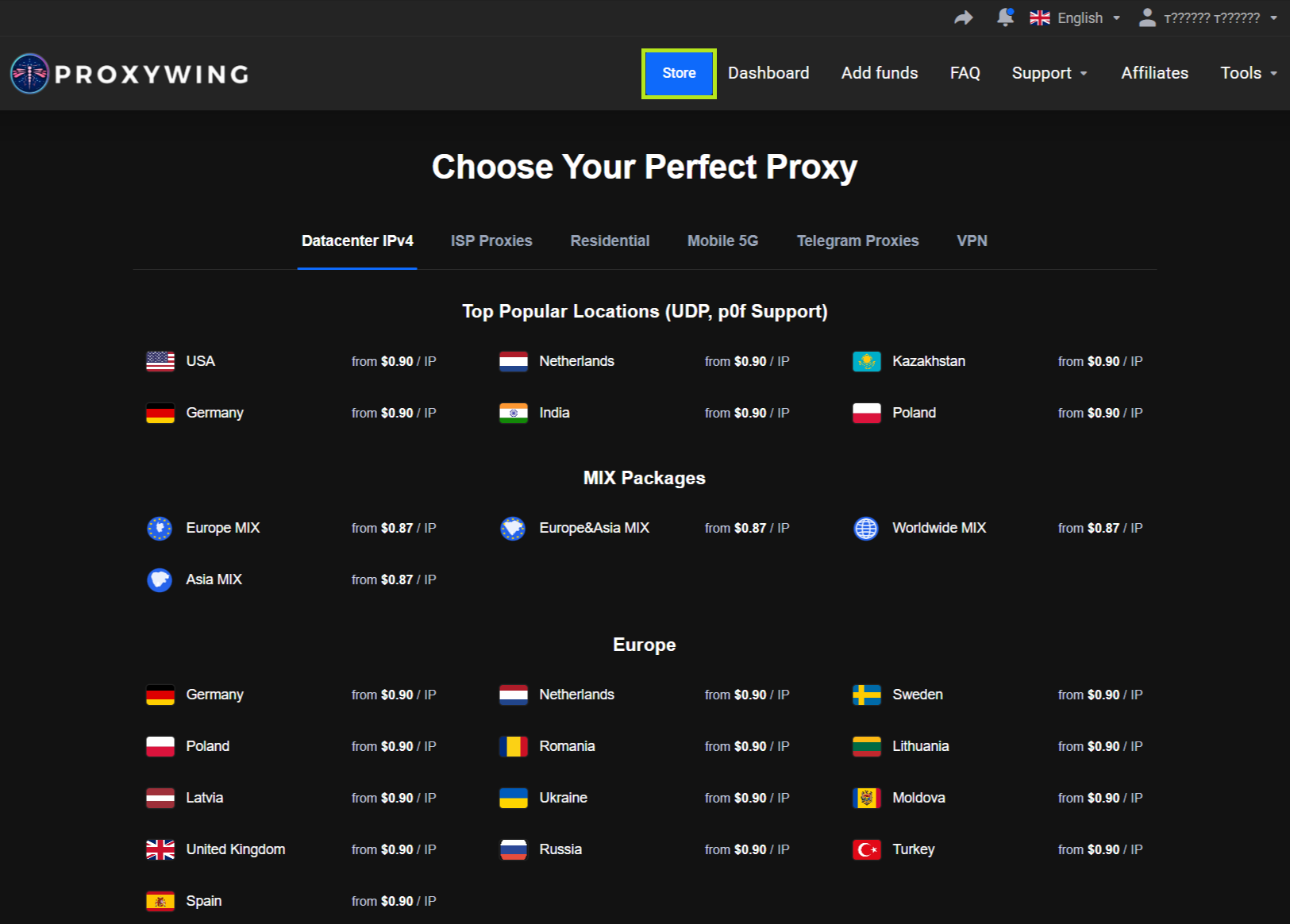
In the catalog, you can choose a product type and available location, then proceed to checkout.
Dashboard
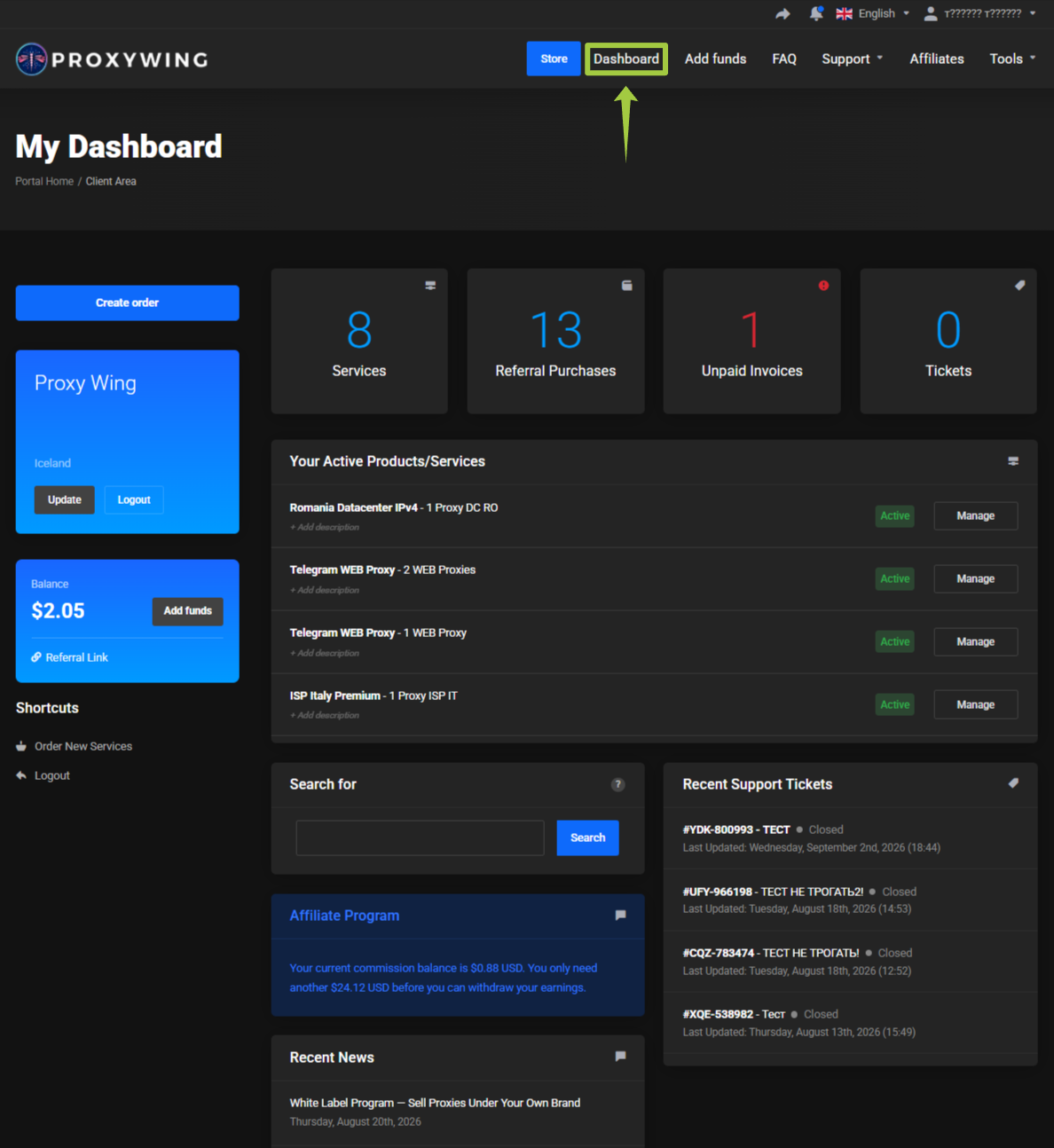
Returns you to the main dashboard page.
Add funds
Opens the account credit balance top-up page.
Learn more: Balance and invoices
FAQ
Opens the public ProxyWing FAQ:
Support
Opens a menu with links to:
Contact Us.All Requests.Discord.Telegram.Blog.
Learn more: Support and tickets
Affiliates
Opens the ProxyWing affiliate program.
Learn more: Affiliate program
Tools
Opens the list of ProxyWing free tools and extensions.
Available:
- IP Checker. Find your public IP address, location, ISP, and detect proxy or VPN usage.
- Digital Footprint Analysis. Check your IP, TLS/JA3 fingerprint, WebRTC and DNS leaks, and get a clear proxy/VPN risk verdict.
- TLS Fingerprint Checker. Check your JA3, JA3N, and JA4, as well as the TLS handshake parameters seen by anti-bot systems.
- Proxy Formatter. Convert and reformat proxy lists between different formats.
- Proxy Checker. Test proxies for speed, anonymity level, and connection reliability.
- Speed Test. Measure download speed, upload speed, and internet latency on Cloudflare servers.
- WebRTC/UDP Checker. Detect WebRTC leaks and test UDP connectivity.
- WebRTC Leak Test. Check whether the browser reveals your real IP address through WebRTC.
- IP Tracing. Trace the network route to an IP address or domain hop by hop and determine its geolocation on an interactive map.
- Port Scanner. Check common TCP ports on a host or IP address and identify the services running behind them.
The Chrome proxy extension and Firefox proxy add-on are also available.
Learn more: ProxyWing Proxy Manager
Summary cards
The main page displays the key account metrics:
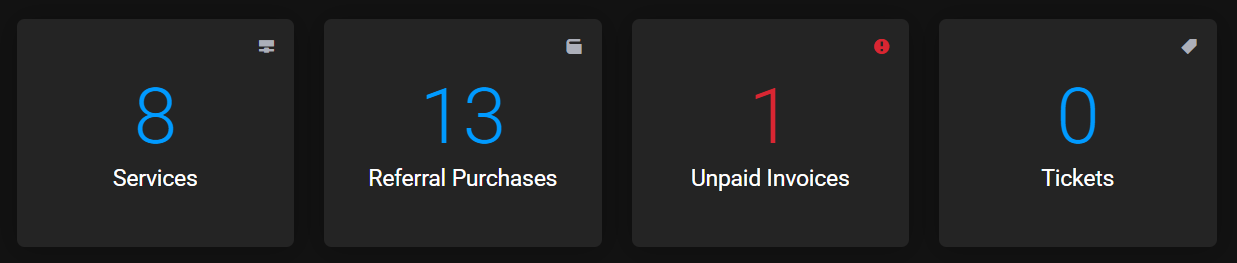
Services.Referral Purchases.Unpaid Invoices.Tickets.
The cards are used as quick links to the corresponding sections.
Your Active Products/Services
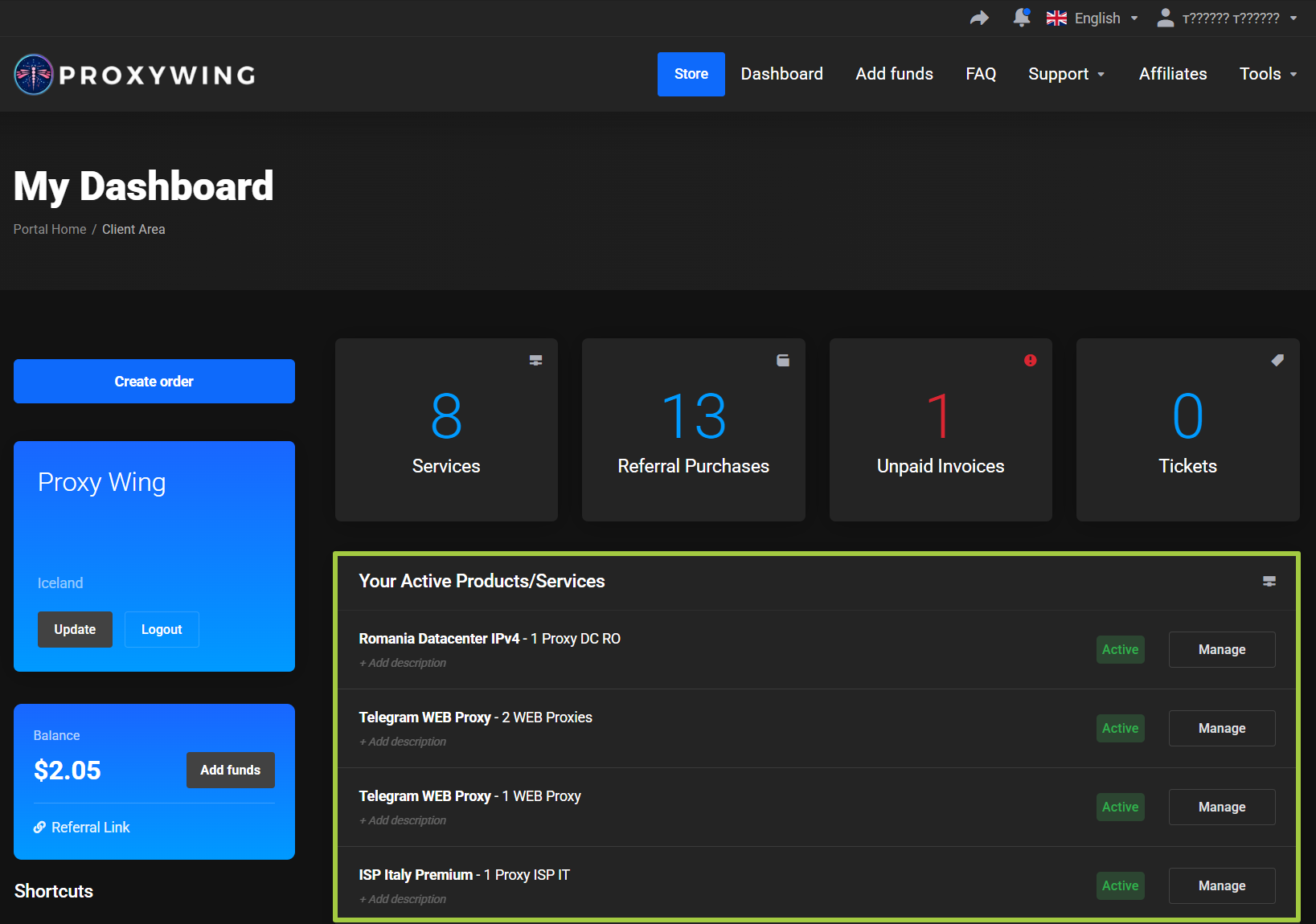
The Your Active Products/Services block displays purchased ProxyWing products.
For each product, the following are shown:
- Product name.
- Tag or description, if one has been added.
- Current status.
Managebutton.
Click Manage to open the card of a specific product.
Balance
The current account credit balance is displayed on the left side of the page.
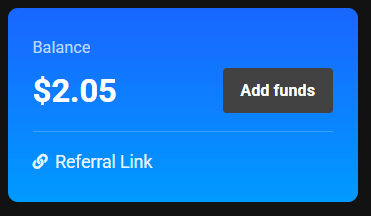
The Add funds button opens the balance top-up page.
Search
The Search for block allows you to quickly find the product you need without browsing the full list.
Learn more: Product search
Recent Support Tickets
The Recent Support Tickets block shows your latest support requests and their current status.
Affiliate Program
The main page shows brief information about the affiliate balance and the amount required to reach the minimum withdrawal amount.
Learn more: Affiliate program
Recent News
The Recent News block shows the latest ProxyWing updates.