



If there are many products in your account, you can find the required product through the Search for block on the My Dashboard main page.
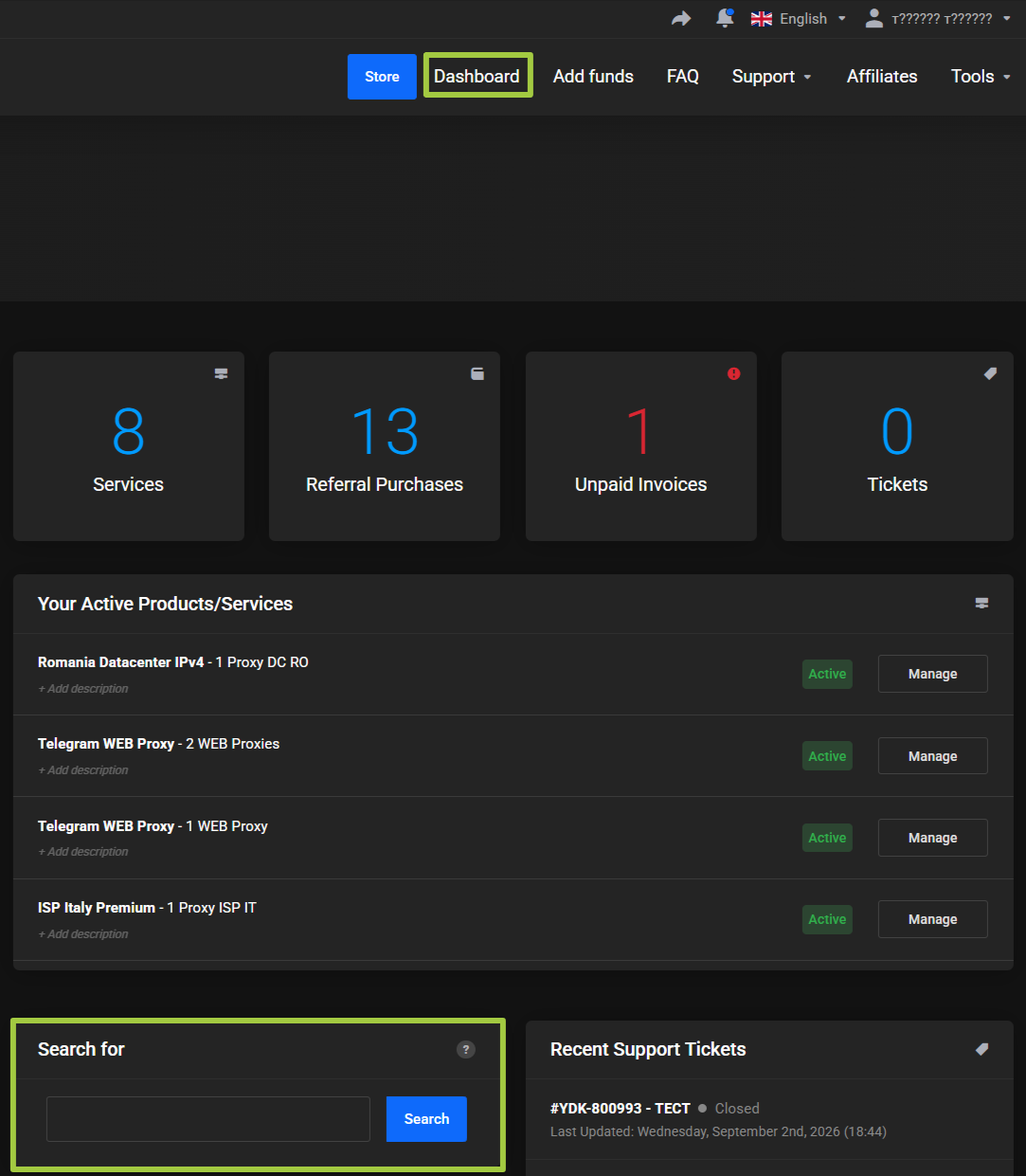
Enter the unique product identifier or proxy username and click Search.
The unique identifier depends on the product type and product architecture. For example:
user-...— datacenter proxies.userISP-...— ISP NEW.PW-...— ISP OLD.
You can also use the proxy username.
After finding the product, you can open it by clicking its name.