



The generator allows you to configure residential proxy parameters and obtain ready-to-use connection details.
The selected parameters are encoded in the password. When geolocation, session type, TTL, and other settings are added, the password becomes longer and contains the connection parameters.
If you change settings after generation, previously generated details are not updated automatically. You must generate new details and connect using them.
Additional Premium features
At the top of the generator, the following are available:

Premium pool- an additional generation parameter and does not require a separate page.Direct connection (for IMAP, etc.)- allows working with mail servers over IMAP through a residential IP address.IP Skipping- allows excluding specified IP ranges from rotation.Sub-Users- described in Additional users
Country
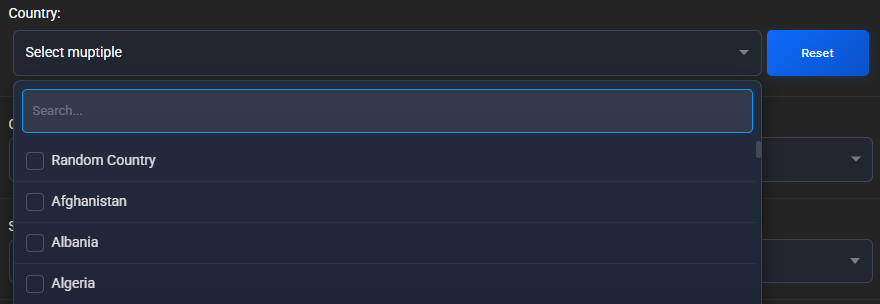
In the Country field, you can select one or more countries.Random Country is also available if a specific country is not required.
City
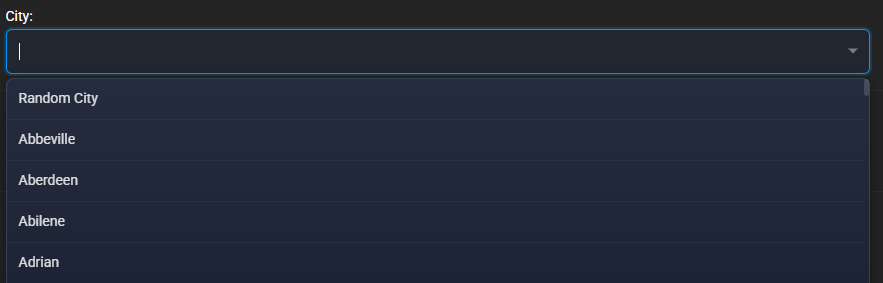
City selection becomes available after selecting a country. When several countries are selected at the same time, city selection is not available.
You can select a specific city or use a random city.
ISP
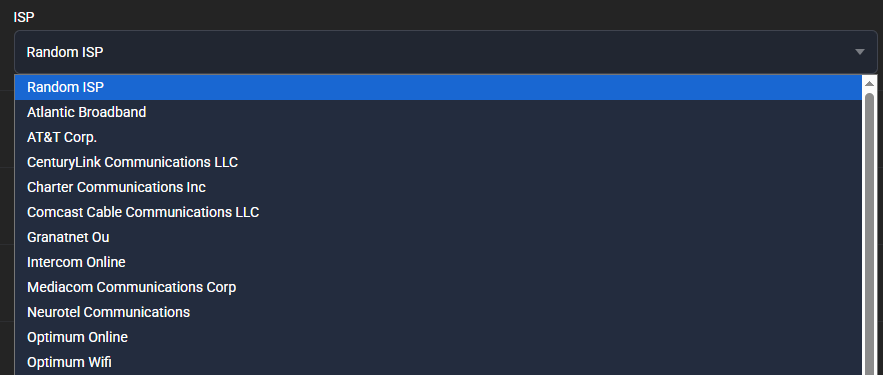
ISP selection becomes available after selecting a city.
You can select a specific ISP or Random ISP.
The ISP list depends on the selected country and city.
Session type

Available options:
Rotate IP.Static IP.
Rotate, the connection details remain the same, but the exit IP address changes on every request.
With Static, the system selects a random IP address and tries to keep it within the session. If TTL is specified for the static session, the system tries to keep the selected IP for the specified time.
Learn more: Rotation, static sessions, and TTL
Proxy type

Available options:
HTTP.SOCKS5.
Proxy format and Hostname

By default:domain:port:username:password
Learn more: Connection and proxy formats
Port
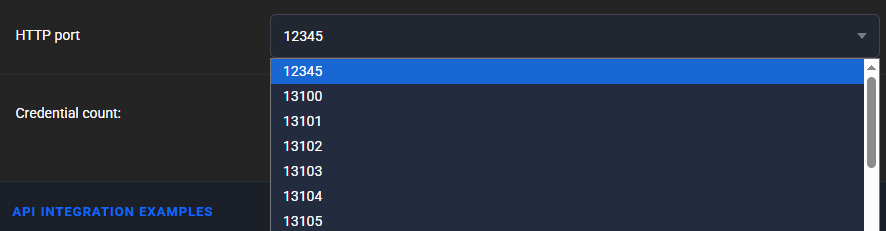
Select an available connection port in the port field.
Number of proxies

In the Number of proxies field, specify how many connection detail lines you want to generate.
The interface also displays integration examples for different programming languages.
Generated proxies
After configuring the parameters, click Generate. The generated proxies will appear in the field above the buttons at the bottom of the generator.
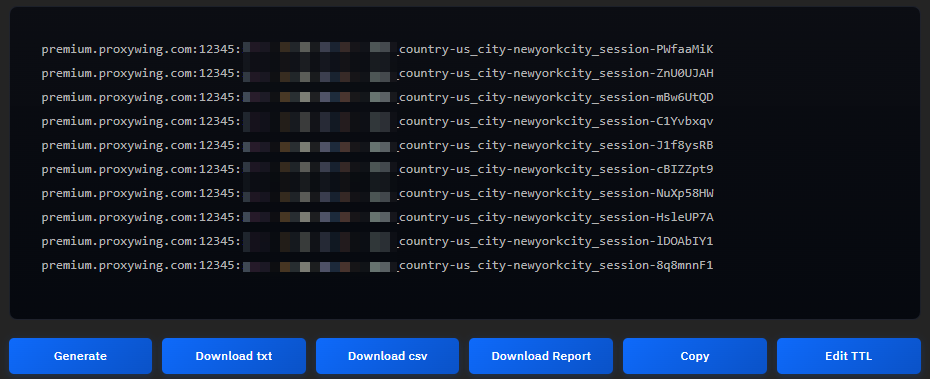
The password may be long when many settings are used. The default proxy format is domain:port:username:password
Example: premium.proxywing.com:12345:username:pass_country-us_city-newyorkcity_isp-centurylinkcommunicationsllc_session-N0xHjsgx
domain | premium.proxywing.com |
|---|---|
port | 12345 |
username | username |
password | pass_country-us_city-newyorkcity_isp-centurylinkcommunicationsllc_session-N0xHjsgx |
At the bottom of the generator, the following actions are available:
Download txt- download the proxy list in txt format.Download csv- download the proxy list in csv format.Download Report- download traffic usage details for the selected period.Copy- copy the proxy list to the clipboard.Edit TTL- appears when the static session type is selected and allows you to configure the proxy lifetime up to 7 days.