



Mobile proxies support UDP through SOCKS5 UDP ASSOCIATE.
TCP establishes a connection and controls data delivery, so it is suitable for tasks where reliable transmission is important. UDP sends packets without waiting for confirmation of each one, so it is typically used where lower latency is more important: online games, voice calls, video calls, and other real-time applications.
SOCKS5 UDP ASSOCIATE allows a compatible application to transmit UDP traffic through a SOCKS5 proxy. The application must support this mechanism.
Check
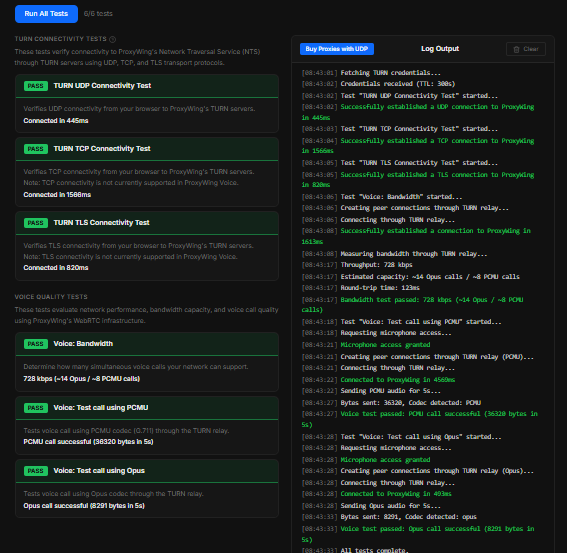
To check UDP, you can use the free WebRTC/UDP Checker
Run the check while the proxy is active in the browser or application. For example, you can perform it in an antidetect browser with UDP support while connected to a mobile proxy using SOCKS5.
If UDP does not work
Check:
- whether SOCKS5 is being used.
- whether your application supports UDP ASSOCIATE.
- whether a local firewall or other network software is blocking the connection.