



The Support top menu contains links to the ticket system and other communication channels.
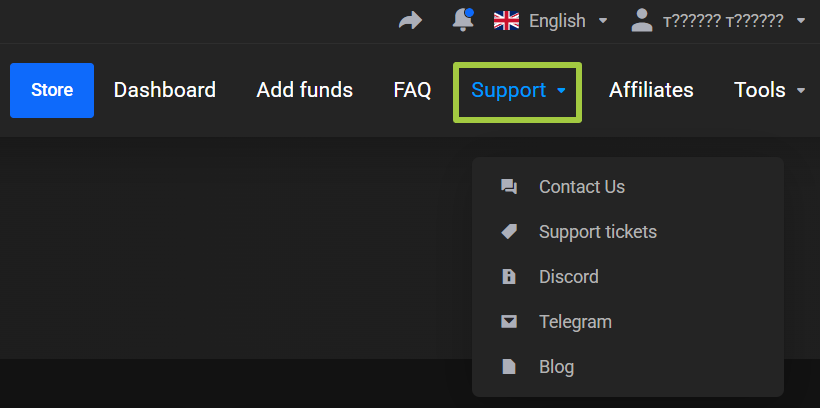
Contact Us
The Contact Us item opens the page for creating a new ticket.
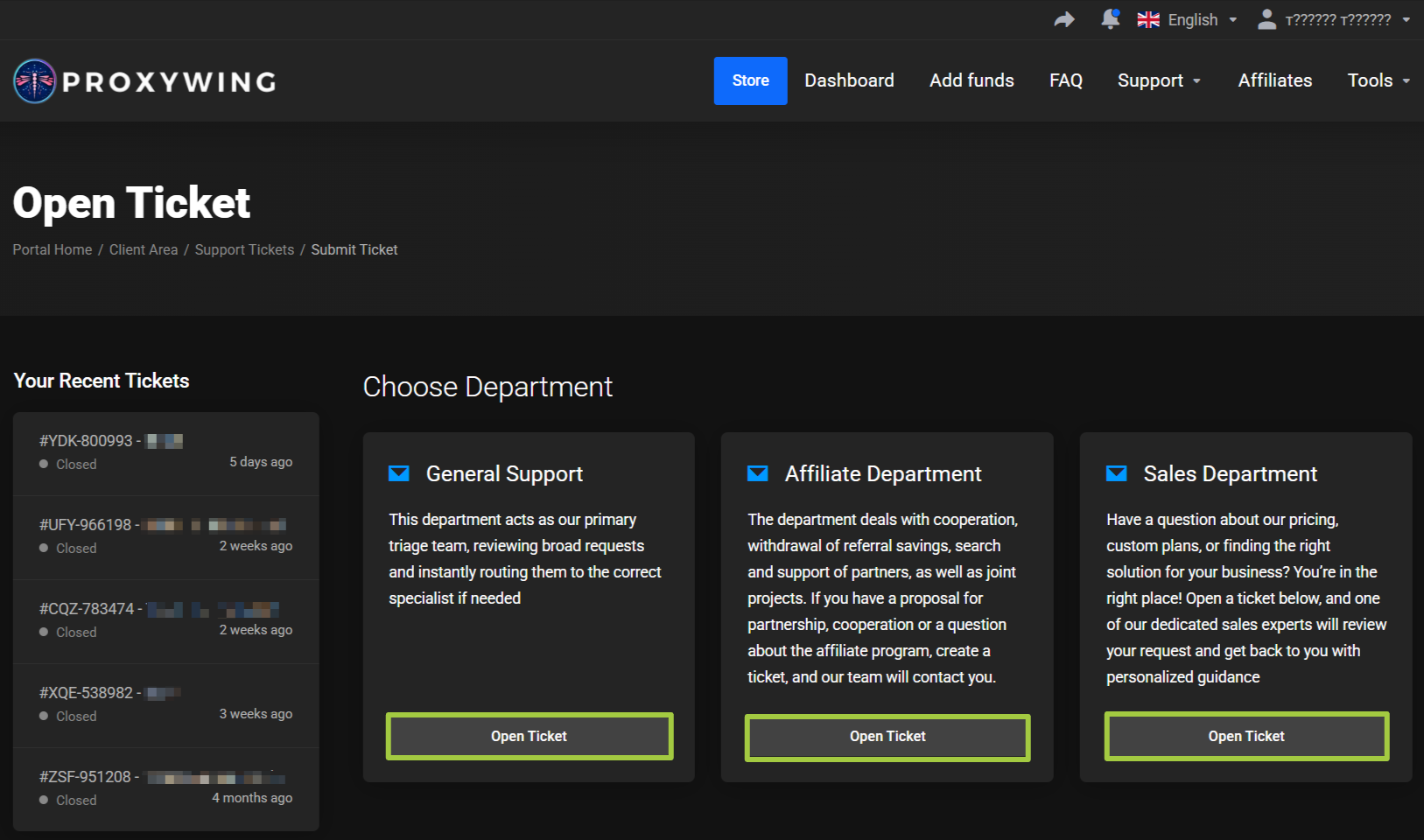
Before creating a request, choose the appropriate department.
General Support
Use for technical questions, product issues, and general requests.
Partnerships Department
Use for questions about the affiliate program, cooperation, and affiliate payouts.
Sales Department
Use for questions about products, pricing, custom terms, and solution selection.
After selecting a department, click Open Ticket and fill out the ticket form.
All Requests
The All Requests item opens the list of previously created tickets.
On the My Dashboard main page, the latest requests are also shown in the Recent Support Tickets block.
Discord
Opens the official ProxyWing Discord.
Telegram
Opens the official ProxyWing Telegram.
Blog
Opens the ProxyWing blog.