



The product card contains basic information about the mobile proxy, connection details, and available management features.
IP whitelist
The IP Whitelist block is located in the side section of the product card.
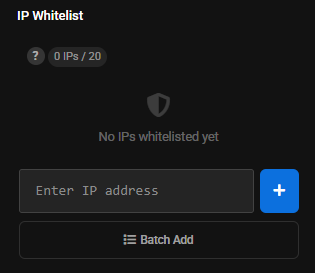
The interface shows the current number of added addresses and the maximum available number.
Learn more: IP whitelist.
Tag
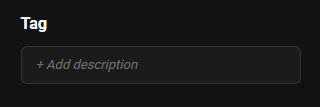
The Tag field allows you to add a description or label to the product.
API
The card includes the Open API documentation link.
Proxy Information
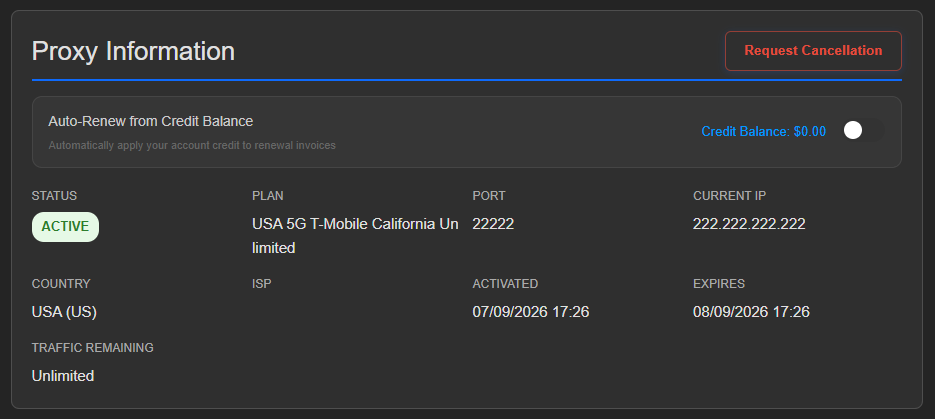
The card displays:
- Status.
- Plan.
- Port.
- Current IP.
- Country.
- Carrier.
- Activation date.
- Expiration date.
- Remaining traffic or plan type.
The set of fields may depend on the selected mobile product.
Connection Details
The Connection Details block displays:
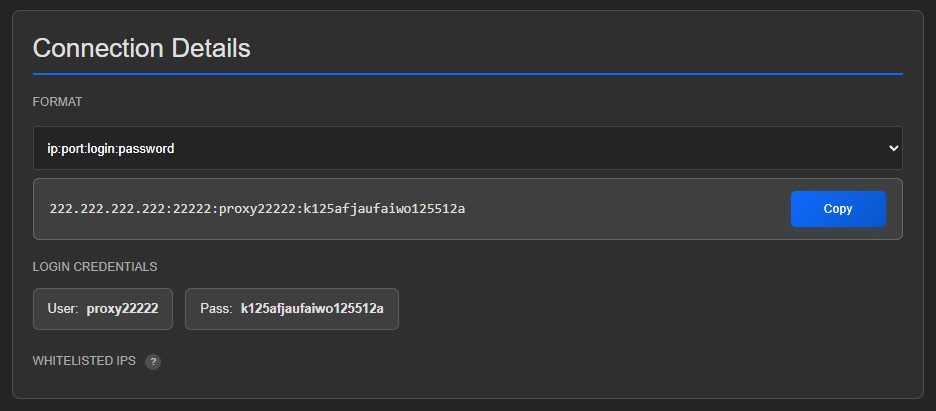
- Proxy IP address.
- Port.
- Username.
- Password.
- Selected format.
The details can be copied from the product card.
Learn more: Connection and proxy details